
On-Page SEO: The Practitioner’s Playbook (2026)
A page can have good content and still sit on page two because its title tag, headings and internal links don’t tell Google clearly what it covers. That’s the gap on-page SEO closes. It’s the only branch of search optimization where you control every variable, and the changes start counting as soon as Google recrawls the page.
I’ve been building on the web since 2008, and I’ve watched on-page SEO evolve from keyword stuffing to semantic coverage, from meta keywords (RIP) to E-E-A-T signals. The mechanics change. The principle doesn’t: tell Google exactly what your page covers, make the content genuinely useful, and structure everything so both crawlers and humans can parse it in seconds.
This guide covers every on-page ranking factor that matters right now, with the implementation steps for each one.
What On-Page SEO Actually Is (and Isn’t)
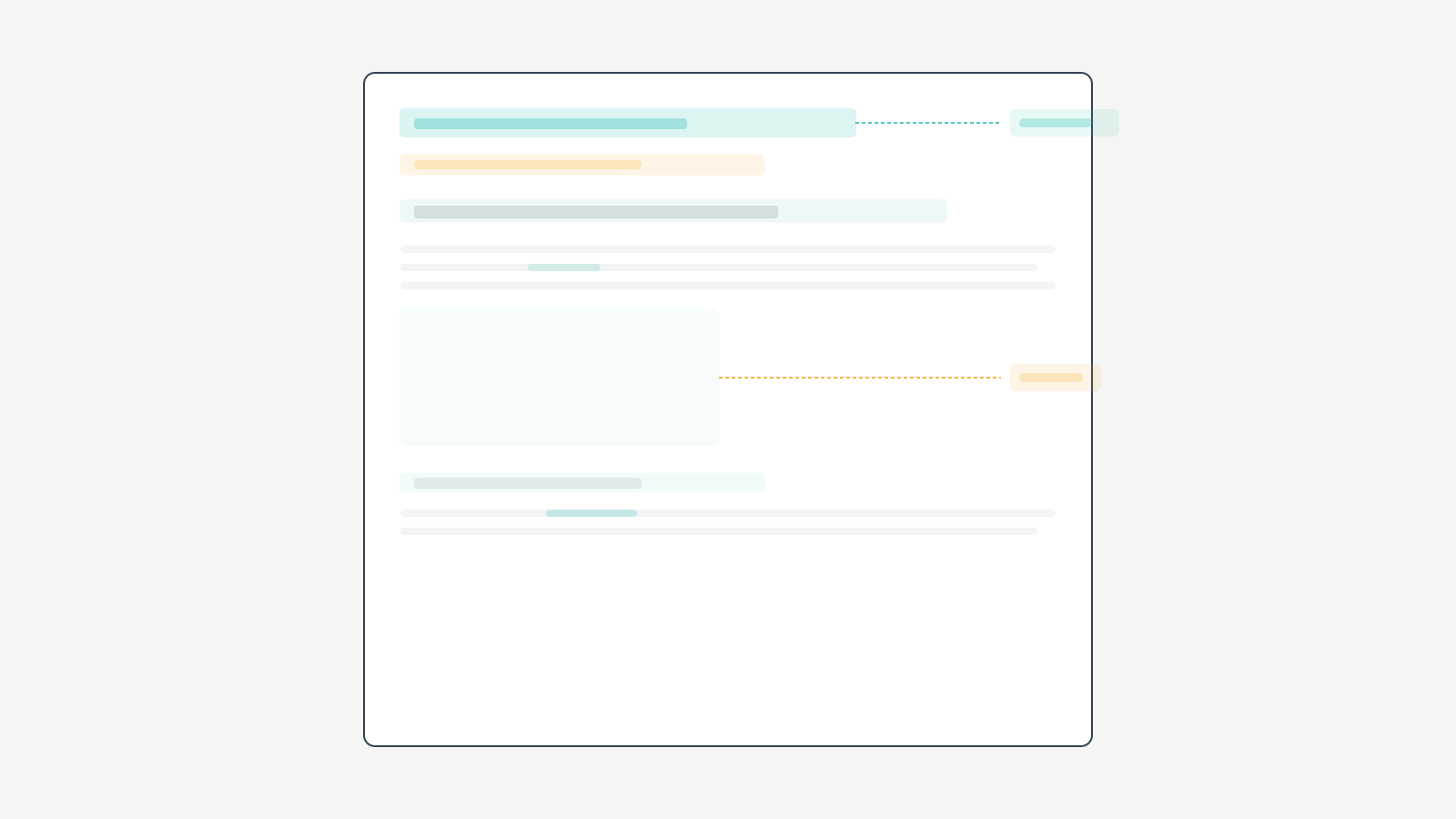
On-page SEO is the practice of optimizing everything you control on a single web page to rank higher in search results. That includes content, HTML source code, images, internal links, and structured data. When you rewrite a title tag, restructure headings around target keywords, or add descriptive alt text to images, you’re doing on-page SEO.
It’s not off-page SEO (backlinks, brand mentions, digital PR). It’s not technical SEO (crawlability, indexing, Core Web Vitals, mobile-friendliness). All three matter. But on-page is the foundation. Without it, backlinks push authority to a page Google can’t properly classify, and technical improvements speed up a site that ranks for the wrong queries.
Why on-page SEO has the highest ROI per hour. You don’t need a developer. You don’t need to cold-email strangers for links. You don’t need a $200/month tool subscription. If you’re running WordPress with Rank Math, most on-page work happens inside the post editor you already have open. That’s the leverage.
The On-Page SEO Factor Hierarchy
Not all on-page factors carry equal weight. Here’s how I’d rank them by impact:
| Ranking Factor | Impact Level | Time to Implement | Time to See Results |
|---|---|---|---|
| Title tag optimization | Critical | 5 min | 1-3 weeks |
| Content depth and relevance | Critical | 2-4 hours | 2-6 weeks |
| Header tag hierarchy (H1-H4) | High | 15 min | 1-3 weeks |
| Internal linking | High | 20 min | 2-4 weeks |
| Keyword placement (first 100 words, H2s) | High | 10 min | 1-3 weeks |
| Image optimization (alt text, compression) | Medium | 15 min | 2-4 weeks |
| URL structure | Medium | 5 min (new posts only) | 2-4 weeks |
| Schema markup | Medium | 10 min | 1-4 weeks |
| Meta description | Low (indirect) | 5 min | 1-2 weeks for CTR |
Title tags and content depth are non-negotiable. Everything else amplifies their effect.
Title Tags and Meta Descriptions
Title tags are the single most impactful on-page element. They directly tell Google what the page covers and they’re the clickable headline in search results. A primary keyword near the front of a title under 60 characters gives both Google and searchers the clearest signal.
Title Tag Rules
Primary keyword within the first 3-4 words. Under 60 characters total. One primary keyword per title, never two competing terms. Add a differentiator (year, number, qualifier) to separate your result from the other 9 on page one.
Formulas that consistently earn clicks:
| Formula | Example | Best For |
|---|---|---|
| [Keyword]: Complete Guide ([Year]) | On-Page SEO: Complete Guide (2026) | Comprehensive guides |
| [Number] Best [Keyword] for [Audience] | 11 Best SEO Plugins for WordPress | Listicles, comparisons |
| How to [Result] in [Timeframe] | How to Fix Crawl Errors in 30 Minutes | Tutorials, how-tos |
| [Keyword] Checklist ([Number] Steps) | On-Page SEO Checklist (15 Steps) | Actionable checklists |
| What is [Keyword]? [Clarifier] | What is Schema Markup? A Plain English Guide | Definitional queries |
Don’t keyword-stuff. Don’t use clickbait that the content can’t deliver on. Google rewrites titles often: in an early-2022 Zyppy study of 80,959 title tags, it rewrote 61.6% of them. Write it well the first time so Google is more likely to leave it alone.
Meta Descriptions
Meta descriptions don’t directly affect rankings. They affect click-through rate, which indirectly affects everything. Keep them under 160 characters. Include the target keyword (Google bolds matching terms). Write them like ad copy: promise a specific outcome the searcher wants.
Weak: “This article covers on-page SEO techniques for better rankings.”
Strong: “Move a post from page two to page one with these on-page changes. Here’s the 15-point checklist to run on every post.”
WordPress Implementation
Rank Math adds title tag and meta description fields below the post editor. Set your focus keyword, and Rank Math scores your on-page optimization in real time. Aim for 80+ on the score, but don’t chase 100. The score is a guideline, not a ranking signal.
Content Optimization
Content is the engine. Everything else on this page is a tuning dial. How you structure, write, and format your content determines whether Google classifies your page as the best answer for a query.
Strategic Keyword Placement
Place your primary keyword in these 6 locations on every page:
- Title tag. Exact keyword or close variation, front-loaded.
- H1 heading. One H1 per page, always containing the keyword.
- First 100 words. Natural mention in the opening paragraph. Google weights early content heavily.
- At least one H2 subheading. Use the keyword or a semantic variation. Don’t force it into every H2.
- Body content. Weave the keyword and its variations naturally. If it feels awkward, swap in a synonym.
- Final paragraph. Reinforce the topic in the conclusion.
Keyword Density Is Dead. Topical Coverage Isn’t.
Google hasn’t used keyword density as a ranking signal in years. The modern approach: use your primary keyword enough that the topic is unmistakable, then fill the page with semantically related terms that demonstrate comprehensive coverage.
For this page, that means using “on-page SEO,” “on-site SEO,” “on-page optimization,” “on-site search engine optimization,” and related terms like “title tags,” “internal linking,” “header tags,” and “schema markup.” If you’re genuinely covering a topic, the semantic coverage happens naturally.
Header Tag Hierarchy
Use headings in strict hierarchy: H1 for the main title, H2 for major sections, H3 for subsections, H4 if you need deeper nesting. Never skip levels (don’t jump from H2 to H4). Never place an H3 immediately after an H2 without an introductory paragraph between them.
Headers serve two purposes. They give Google a structural map of your content hierarchy. They give readers a scannable outline. Both search engines and humans use headings to find what they need. Treat headings like a table of contents that should make sense even if you read nothing else on the page.
E-E-A-T Signals
Experience, Expertise, Authoritativeness, and Trustworthiness aren’t direct ranking factors, but they influence how Google’s quality raters evaluate content. In practice, here’s what moves the needle:
- First-hand experience. A result you measured yourself beats “many experts recommend.”
- Specific numbers. Dollar amounts, percentages, timeframes. Vague claims signal thin expertise.
- Named tools and versions. “Rank Math 1.0.231” beats “an SEO plugin.”
- Honest failures. Admitting what didn’t work builds more trust than claiming everything always works.
Content Length
There’s no magic word count. A “what is X” query might need 800 words. A complete guide might need 3,000+. Check what’s currently ranking for your target keyword and match or exceed the depth. Don’t pad with filler. A shorter post can outrank a longer one when every sentence earns its place. Google detects thin content disguised with fluff.
Readability and Formatting
On-page SEO includes how content is formatted. Short paragraphs (2-4 sentences). Short sentences. Bullet points and numbered lists for scannable information. Bold text for key terms and numbers. These formatting choices keep readers on the page longer, reducing bounce rate and increasing dwell time.
Target 8th-grade readability. Short words beat long words. Active voice beats passive voice. A concrete example beats an abstract explanation every time.
Internal Linking Strategy
Internal links are one of the most underused on-page techniques. Plenty of blogs publish posts with only one or two internal links, and that leaves rankings on the table.
Why Internal Links Matter
When you link from one page to another on your site, you pass authority (link equity) to the linked page. More internal links pointing to a page tell Google that page is important. Internal links also help Google crawl your site efficiently. Pages with zero internal links pointing to them (orphan pages) may never get indexed.
Say an orphan page about WordPress speed optimization has no internal links pointing to it. Adding a few contextual links from related, regularly crawled posts gives Google a path to find it and a signal that it matters.
Hub and Spoke Model
Organize content into topic clusters. A hub page covers a broad topic comprehensively (like this on-page SEO guide). Spoke pages cover subtopics in detail (title tag optimization, internal linking, image SEO). The hub links to all spokes. Each spoke links back to the hub. This structure tells Google your site has comprehensive coverage of the topic.
Anchor Text Best Practices
Use descriptive anchor text that tells readers and Google what the linked page covers. “Click here” and “read more” waste an on-page SEO opportunity. Use natural keyword-rich anchors: “learn how to optimize your blog posts for SEO” is better than “click here to learn more.”
Vary your anchors naturally. Don’t use the same exact anchor text for every internal link to a page. Over-optimized anchors look manipulative and can trigger algorithmic penalties.
Internal Links Per Post: A Simple Formula
A useful rule of thumb is 3-5 internal links per 1,000 words. A 2,500-word article gets 8-12 internal links. Every link should be contextually relevant. Never force links to hit a number. Quality and relevance beat quantity every time.
Image and Media Optimization
Images are among the most neglected on-page factors. Missing alt text is one of the most common gaps on blogs, and it leaves image SEO completely untouched.
Descriptive file names. Rename “IMG_4582.jpg” to “on-page-seo-checklist.jpg” before uploading. Google reads file names as context signals. This takes 5 seconds per image and compounds across hundreds of posts.
Alt text. Every image needs alt text describing what the image shows. It helps visually impaired users understand images and gives Google context about image content. Include your keyword when it naturally fits. Don’t keyword-stuff alt tags.
Compression. Uncompressed images are one of the most common causes of slow pages. Compress to under 100KB where possible using ShortPixel, TinyPNG, or FlyingPress built-in optimization. Speed matters for rankings too: Google says good Core Web Vitals align with what its core ranking systems seek to reward.
Next-gen formats. Serve images in WebP or AVIF. According to Google’s WebP documentation, lossy WebP images are 25-34% smaller than comparable JPEG images. Most modern WordPress setups handle format conversion automatically through performance plugins.
Lazy loading. Images below the fold shouldn’t load until the user scrolls to them. This improves initial page load time and LCP scores. WordPress includes native lazy loading, and plugins like FlyingPress enhance it further.
URL Structure
Clean URLs are a minor but meaningful on-page signal. They help users and search engines understand what a page covers before clicking.
Keep URLs short. Use your target keyword in the slug. Remove stop words (a, the, is, and). gatilab.com/on-page-seo-guide beats gatilab.com/the-complete-on-page-seo-optimization-guide-for-2026.
Hyphens, not underscores. Google treats hyphens as word separators. “on-page-seo” is three words to Google. “on_page_seo” is one word.
Never change URLs without redirects. If you update a URL slug on an existing page, set up a 301 redirect from old to new. Changing URLs without redirects creates 404 errors and throws away the authority those URLs earned from backlinks.
Schema Markup
Schema markup (structured data) helps Google understand your content at a deeper level and can earn rich snippets in search results.
Schema Types That Matter for Bloggers
| Schema Type | What It Does | When to Use | Rich Result |
|---|---|---|---|
| Article | Identifies the page as a blog post with author, date, headline | Every blog post | Enhanced snippet with date |
| FAQ | Creates expandable Q&A in search results | Posts that answer common questions | Expandable FAQ dropdown |
| HowTo | Shows step-by-step instructions | Tutorial and how-to posts | Numbered steps in SERP |
| Review | Shows star ratings | Product and tool reviews | Star rating in snippet |
| Breadcrumb | Shows page position in site hierarchy | All pages | Breadcrumb trail in SERP |
Adding Schema in WordPress
Rank Math automatically adds Article schema to all posts and lets you add FAQ, HowTo, Review, and other schema types through its post editor interface. No JSON-LD coding required. Select the schema type, fill in the fields, and Rank Math generates the structured data. Test your markup using Google’s Rich Results Test to verify it’s valid before publishing.
The On-Page SEO Checklist for Every Post
Run this checklist before hitting publish. It takes about 15-20 minutes per post and catches the issues that cost rankings.
Pre-Publish Checklist
- Primary keyword in title tag, front-loaded within the first 3-4 words
- Title tag under 60 characters
- Meta description under 160 characters with keyword and specific outcome promise
- Keyword in H1 heading
- Keyword in first 100 words
- Keyword or variation in at least one H2
- Semantic variations used throughout body content
- Header hierarchy correct (H1 > H2 > H3, no skipped levels)
- 3-5 internal links per 1,000 words, all contextually relevant
- All images have descriptive alt text with natural keyword inclusion
- Images compressed under 100KB and served in WebP/AVIF
- URL slug contains primary keyword, is short and clean
- Schema markup added (Article + FAQ or HowTo if applicable)
- Content depth matches or exceeds top-ranking competitors
- At least one table, list, or structured element per major section
Post-Publish Optimization (Weeks 2-4)
Check Google Search Console after 2-4 weeks to see which keywords the page actually ranks for. If you’re ranking for unexpected keywords, update the content to serve those queries better. If you’re stuck on page two for your target keyword, strengthen on-page signals: add more semantic variations, expand thin sections, and build internal links from your highest-authority pages.
Quarterly Content Audit
Every 90 days, review your top 20 pages. Check title tags, internal links and content freshness. On-page SEO isn’t a one-time task. It’s ongoing maintenance that keeps pages competitive as search results evolve and competitors improve their own content.
Common On-Page SEO Mistakes
These mistakes are common, and each one has a simple fix.
Obsessing over keyword density. Calculating exact percentages for every post wastes hours on a metric Google doesn’t use. Write naturally and cover the topic fully instead.
Changing URL slugs in bulk without redirects. A one-afternoon “cleanup” of a site’s URL structure without 301 redirects turns every changed URL into a 404, and the backlink authority those pages earned is lost. Map old URLs to new ones before you change anything.
Publishing posts with no internal links. Each post becomes an island. A hub-and-spoke structure with contextual links connects good content that Google and readers would otherwise miss.
Writing title tags for Google instead of humans. Front-loading keywords so aggressively that titles read like search queries hurts click-through rate. A title can be compelling and keyword-optimized at the same time.
Treating alt text as optional. Images without descriptive alt text are invisible to screen readers and give Google less context. Adding it is quick, improves accessibility and opens up image search traffic.
Frequently Asked Questions
What is the difference between on-page SEO and off-page SEO?
On-page SEO covers everything you optimize directly on your web pages: title tags, content, headings, images, internal links, and structured data. Off-page SEO covers external factors like backlinks, brand mentions, and social signals. On-page SEO is within your direct control. Off-page SEO depends on other websites and users. Both matter, but on-page SEO is the foundation that makes off-page efforts effective.
How important are title tags for on-page SEO?
Title tags are the single most impactful on-page SEO element. They directly tell Google what your page covers and they are the clickable headline users see in search results. A well-optimized title tag with your target keyword placed near the beginning can significantly improve both rankings and click-through rates. Keep title tags under 60 characters to prevent truncation in search results.
What is the ideal keyword density for on-page SEO?
There is no ideal keyword density. Google does not use keyword density as a ranking factor. Focus on placing your primary keyword naturally in key positions: title tag, H1, first paragraph, and subheadings. Use synonyms and related terms throughout the content to demonstrate comprehensive topic coverage. If the keyword feels forced, use a variation. Natural writing that covers the topic thoroughly outperforms density-optimized content every time.
How many internal links should I include per blog post?
Use 3 to 5 internal links per 1,000 words. A 2,500-word article should have 8 to 12 internal links. Every link needs to be contextually relevant with descriptive anchor text that tells readers and Google what the linked page covers. Don’t force internal links to hit a number. Quality and relevance matter more than quantity.
Does content length affect on-page SEO rankings?
Content length isn’t a direct ranking factor, but comprehensive content tends to rank better because it covers more aspects of a topic and satisfies more search intents. Check what currently ranks for your target keyword and match or exceed the depth of the top results. A simple definition might need 800 words while a complete guide might need 3,000+. Write enough to fully cover the topic without padding.
What is the best WordPress plugin for on-page SEO?
Rank Math is the best WordPress plugin for on-page SEO. The free version handles title tags, meta descriptions, schema markup, content analysis, and XML sitemaps. It scores your on-page optimization in real time and provides specific improvement recommendations. Paid plans add more tools, but the free tier covers everything most bloggers need for on-site search engine optimization.
How often should I update on-page SEO on existing posts?
Review your most important posts every 90 days. Check title tags, meta descriptions, keyword usage, internal links, and content freshness. For posts losing rankings, update immediately. For new posts, do a follow-up optimization 2 to 4 weeks after publishing based on the actual keywords Google Search Console shows you ranking for. On-page SEO is an ongoing process, not a one-time setup.
Stop Reading About On-Page SEO. Go Fix a Page.
Open your highest-traffic post right now. Run through the 15-point checklist above. Update the title tag. Fix the heading structure. Add internal links. Compress the images. Add schema markup. One optimized page teaches you more than reading 10 more articles about on-page SEO.
A sharper title tag, a few internal links to an orphan page and properly compressed images need no backlinks, developer or budget. They only need you to edit what’s already there.
On-page SEO is the highest-leverage work in search optimization. You control every variable. The tools are free. The results compound with every post you optimize, so pick one page, run the checklist, and publish the update today.
On-page work sits next to a few technical questions: duplicate content, whether AMP still matters, the trade-offs of subdomain SEO, building SEO-ready website development, how web design affects rankings, and the real influence of social signals.
Tell Google you want more of this.
Add Gatilab as a preferred sourceOne tap, and this site shows up more often in your own Top Stories, AI Overviews and AI Mode. Remove it any time.