
Publish WordPress Tables Without Exposing Private Columns
A WordPress table’s private columns must stay out of the public response. Hiding a column with CSS only changes its appearance; the values may still be present in the page source for anyone to read.
You should separate public data from internal notes before publishing. This is especially important when a spreadsheet combines a useful public list with customer information or staff comments that were never intended for visitors.
Core Tables is our WordPress dataset plugin. It lets you choose public columns, and its product documentation states that private cells are excluded from visitor HTML and the public data surfaces. It is early access, so verify your configured output with harmless sample data before importing sensitive information.
Decide What Belongs in the Public Dataset
The safest starting point is to import only the information the website needs. A privacy setting is useful, but it doesn’t justify copying an entire operational spreadsheet into WordPress.
For a hypothetical course list:
- Course names may belong in public.
- Published durations may belong in public.
- Delivery formats may belong in public.
- Internal instructor notes should stay private or outside the dataset.
- Student contact details usually don’t belong in the public publishing workflow at all.
Keep each column’s purpose clear. A notes column that mixes public descriptions with private comments is harder to manage than separate fields with distinct access expectations.
Choose Public Columns Explicitly
Review the visibility setting for every imported column. A newly added CSV column deserves the same review as the original ones, even if the import otherwise looks routine.
Core Tables separates the dataset from the page that displays it. You should set the public data selection before placing the table in posts and then check the public view independently of the administrator’s editor.
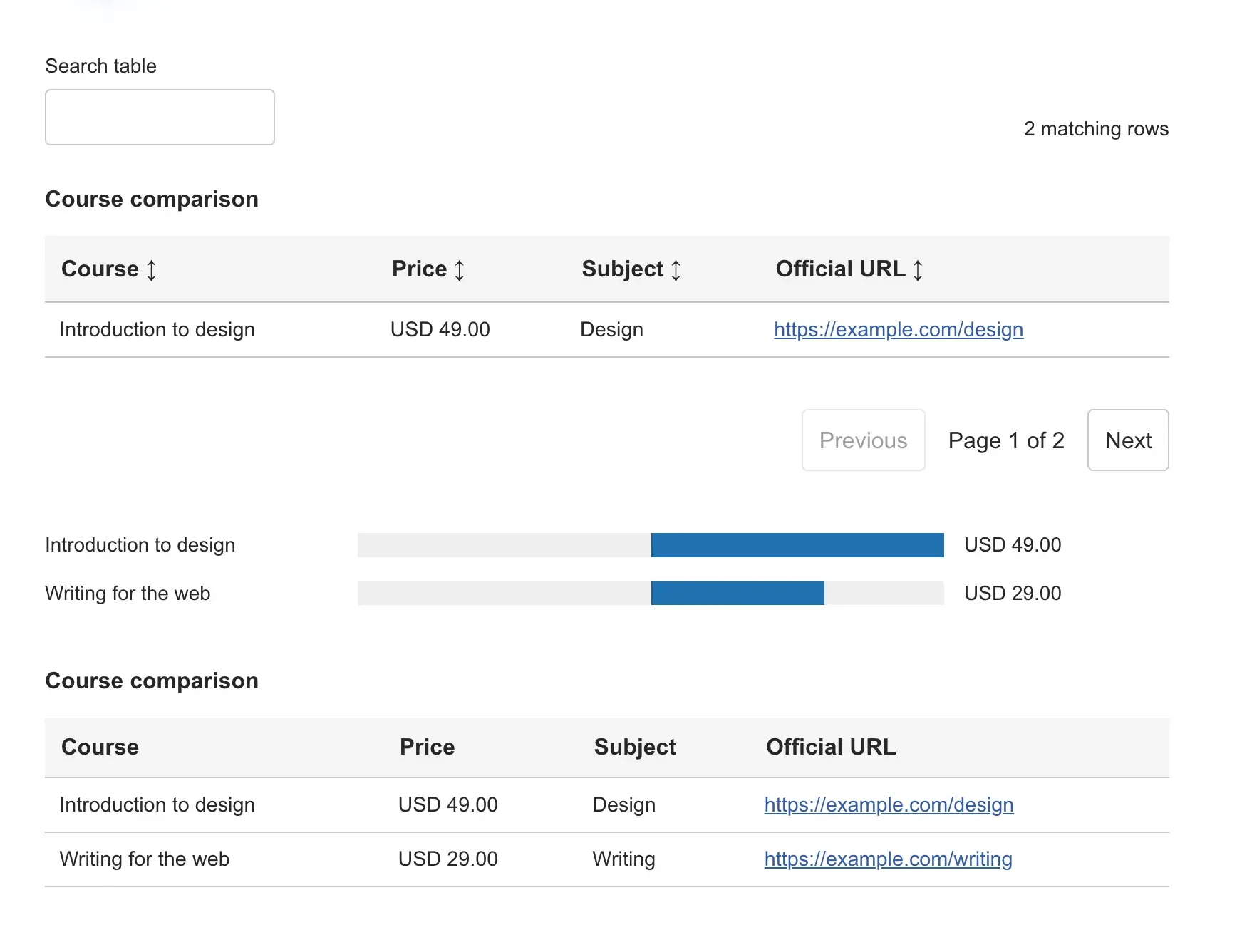
Avoid treating horizontal scrolling or a hidden mobile column as privacy. Responsive presentation is about readability, while privacy controls which values the server sends to the visitor.
Check Every Public Output
A dataset can appear in more places than a visible table. Search results and charts may use the same source, so a private column needs consistent treatment.
Use a staging dataset containing an unmistakable harmless marker, such as INTERNAL-SAMPLE-NOTE, in the private column. Then check:
- The logged-out table.
- The returned page source.
- Any public search behavior provided for the table.
- Charts built from that dataset.
- The documented public API or export route, if enabled.
The marker should not appear in those public outputs. An administrator seeing it in an authorized editor is expected and is a different access path.
Keep Exports and Backups Private
A correct public table doesn’t make an administrator’s CSV export safe to share. Review exported columns before attaching a file to an email or uploading it to a public media library.
Backups also need suitable access controls. They can retain information removed from the current dataset, so deletion and retention policies should account for those copies.
If you accidentally publish sensitive data, removing a column is only the first step. Assess the affected copies and caches and follow the response process appropriate to the information involved. A cache purge cannot retract a copy someone already downloaded.
You can use the editable wordpress table worksheet to record your settings and checks. It is a CSV file you can open in a spreadsheet.
Review Visibility Before Publishing Changes
Core Tables supports draft changes before publishing a dataset. Use that separation to review both values and visibility settings before the new version becomes public.
Its current early-access limits include 500 rows and 30 columns, with a 2 MB import limit. It does not automatically purge full-page caches, so include affected page URLs in your publication check.
If your publishing problem is keeping useful table data separate from internal columns, review Core Tables. Start with a harmless example and confirm the public outputs before moving real information into it.
Tell Google you want more of this.
Add Gatilab as a preferred sourceOne tap, and this site shows up more often in your own Top Stories, AI Overviews and AI Mode. Remove it any time.