
Stop WordPress Form Spam Without Blocking Customers
WordPress form spam protection should reject abusive submissions while allowing genuine inquiries to reach you. If a customer says the form fails, adding another protection layer before checking the existing one can make the problem harder to diagnose.
You should identify which check rejected the submission and test one change at a time. A honeypot, a challenge provider and a rate limit examine different signals, so their failures need different fixes.
Core Forms is our WordPress form plugin. Its spam controls include honeypots and supported challenge services, letting you select protection for a particular form rather than assuming every form needs the same combination.
Separate Spam From Submission Errors
A visitor who cannot submit may be encountering validation, an expired challenge or a network failure. That isn’t enough evidence to label the message spam.
Start with a harmless test and record:
- The form and page URL.
- The error shown to the visitor.
- Whether an entry was stored, including in spam.
- The protection enabled for that form.
- Whether the same test succeeds in another supported browser.
Don’t ask a customer to keep sending the same message repeatedly while a rate limit is active. Repeated attempts can trigger another rule and hide the original failure.
Check the Honeypot
A honeypot adds a field that ordinary visitors are not expected to fill. It can catch simple bots without a visible puzzle, but it still needs to be implemented so keyboard users and assistive technology aren’t asked to complete it.
If a legitimate submission triggers the honeypot, check browser autofill and any script that fills fields automatically. Renaming every field or disabling all protection is a larger change than the evidence supports.
The Core Forms honeypot explanation covers that layer. It is a useful starting point for a low-friction form, although it won’t stop every browser-driven or human submission.
Verify the Challenge Configuration
Challenge services depend on correct keys and a functioning browser-to-server flow. Check that the keys belong to the intended hostname and that you aren’t using testing credentials on the live site.
With Turnstile, the browser supplies a token and the server validates it. A visible widget alone isn’t proof that validation is working. The Turnstile setup guide explains the Core Forms configuration and staging test keys.
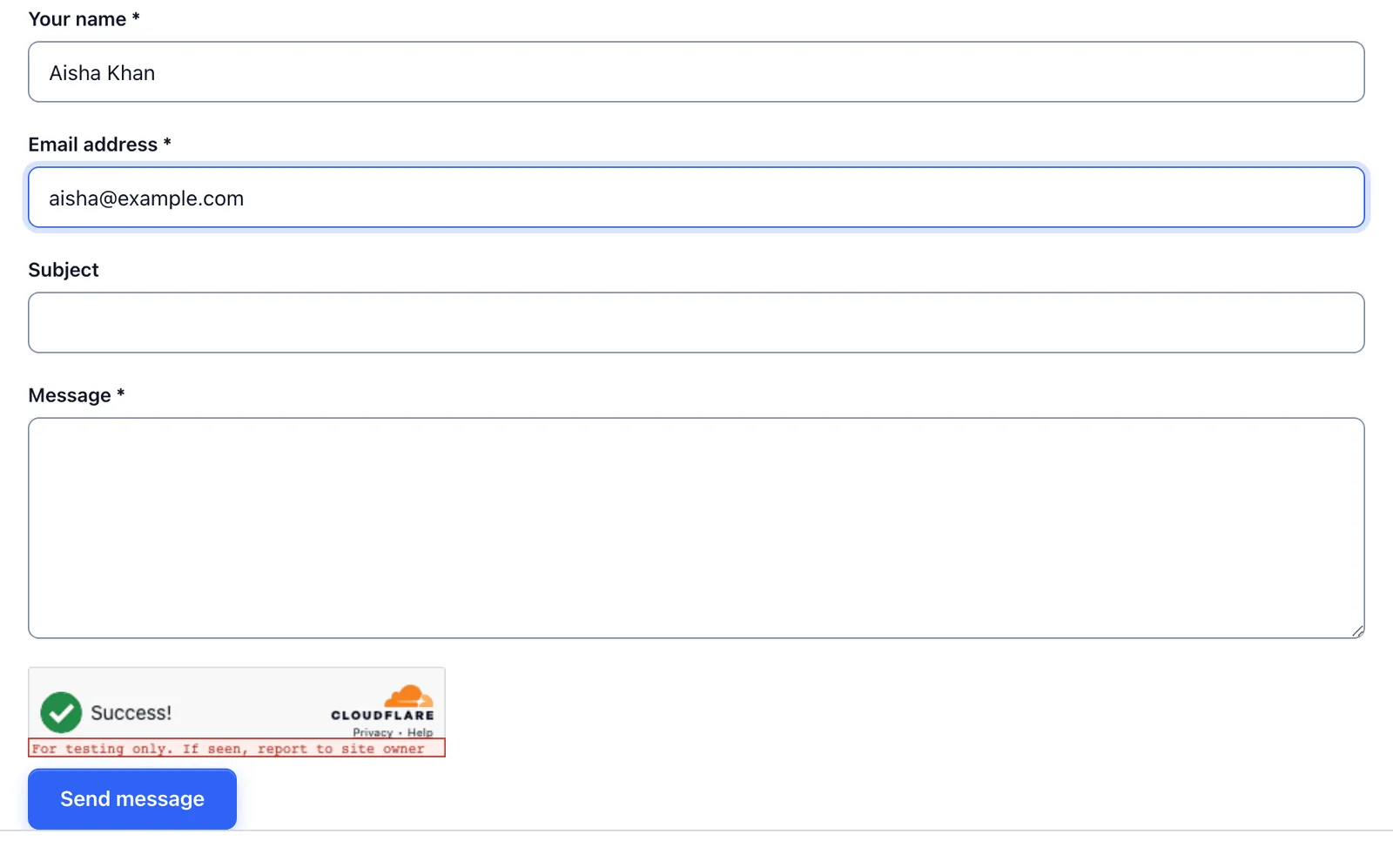
The example uses a Turnstile test widget. Your live form needs production keys for its hostname.
If performance settings delay or block the challenge script, exclude the necessary script from that optimization and retest. You should make the smallest relevant exception instead of turning off site optimization everywhere.
Set Rate Limits for Actual Use
A rate limit can slow repeated abuse, but legitimate visitors may share a network. A classroom, office or mobile network can place several people behind the same public address.
Decide the limit using the form’s job. A support form that customers may use for separate issues has a different expected pattern from a one-time application. Keep the recovery message useful so a genuine visitor knows whether to wait or contact support.
For a form that handles high-value inquiries, assign someone to review suspected spam. Automatic classification should not make potentially useful messages disappear without any practical recovery path.
You can use the editable wordpress form spam worksheet to record your settings and checks. It is a CSV file you can open in a spreadsheet.
Test the Form as a Customer
Check a short submission and a longer one, with the field combinations your customers use. Include a mobile browser and keyboard navigation. These tests check usability; they do not establish that every spam method has been stopped.
After a change, compare both unwanted submissions and genuine failures. A quieter inbox is not a success if legitimate customers can no longer contact you.
If you want form-level control over the protection stack, evaluate Core Forms against the forms you actually run. Keep the lightest combination that handles the observed abuse and gives genuine visitors a usable route through.
Tell Google you want more of this.
Add Gatilab as a preferred sourceOne tap, and this site shows up more often in your own Top Stories, AI Overviews and AI Mode. Remove it any time.