
Social Media Content Promotion: Platform-Specific Distribution Strategies
You publish a useful post, share the link once on every social account and get a handful of clicks. That is the usual story with social media content promotion, and the content is rarely the problem. The same link and the same caption go out everywhere at the same time, while each platform rewards a different format and a different kind of post.
The fix is to adapt each piece of content to the platform it goes to, plan the shares in a calendar, put a small paid budget behind posts that already work and track every click back to the post. After that, you reply to the people who respond.
Understanding Different Social Media Platforms
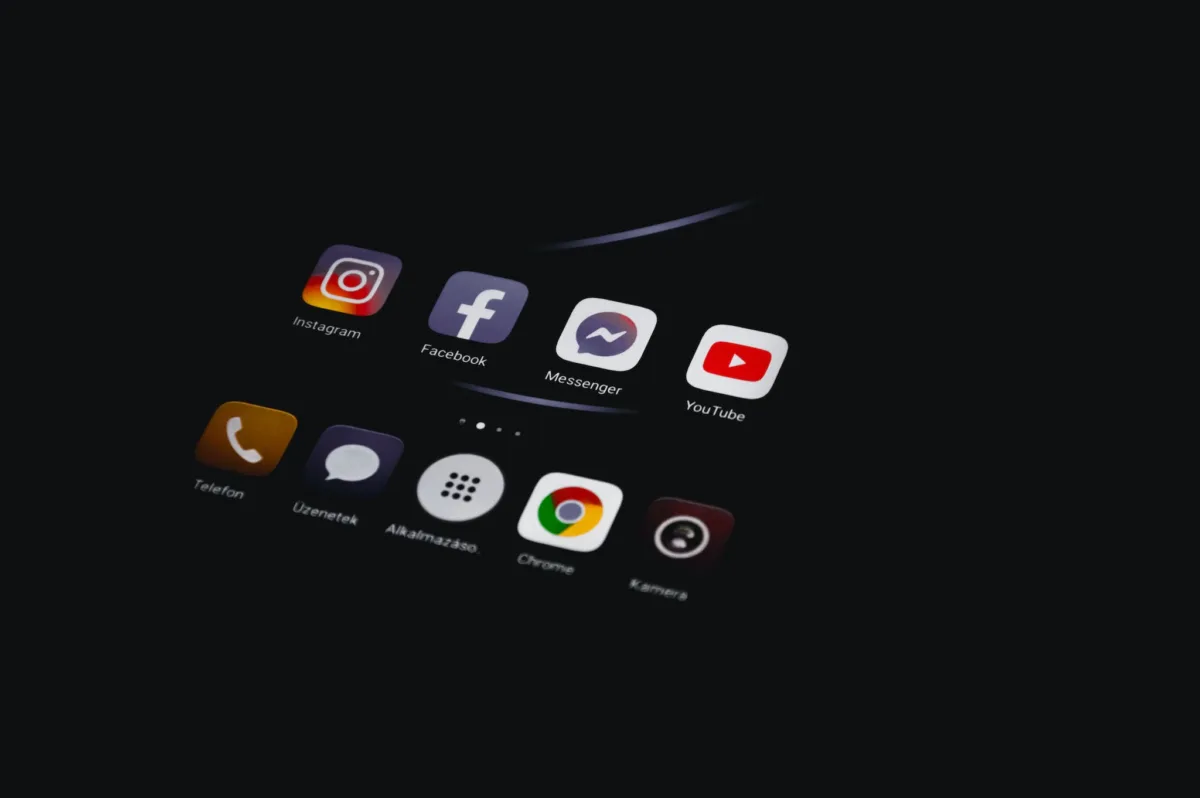
Every platform below can send readers to your content, but each one wants that content in a different shape. It is wise to pick the two or three where your audience already spends time and do those properly. Posting the same link on all seven spreads the effort thin and teaches none of them anything about you.
1. Facebook
Facebook works best for content promotion through Pages and Groups where your readers already gather. A bare link with a one-line caption gives people little reason to stop scrolling. You should put the main takeaway in the post itself and offer the link as the next step for anyone who wants the full version.
2. Instagram
Instagram is visual first, so an article has to become a carousel, a Reel or a Story before it gets attention there. A carousel of the main steps works well for how-to posts, and a short Reel suits a single tip or a quick demo.
Hashtags now come with a cap. Instagram announced in December 2025 that it is limiting captions to 5 hashtags per post or Reel, and the platform says fewer targeted hashtags perform better than many generic ones. Pick the 3 to 5 that describe the topic precisely.
3. X (Twitter)
X, the platform formerly called Twitter, suits short updates, news and conversation. A thread that gives away the main points of an article, with the link at the end, gives people a reason to click. You should spend as much time replying in conversations about your topic as you spend posting your own links, because people check a profile before they follow it.
4. LinkedIn
LinkedIn describes itself as a community of more than 1.3 billion members, and it is the strongest platform on this list for B2B content, industry insight and thought leadership. A post written natively for LinkedIn, with your own opinion on the topic and the article link as a follow-up, fits the way people read there.
5. YouTube
YouTube suits tutorials, product demos and walkthroughs. An article with clear steps can become a video with the same structure, and the full article link goes in the description for people who prefer reading.
Chapters make those steps easy to jump between. YouTube’s chapter rules are short:
- The first timestamp in the description must start at 00:00.
- The video needs at least 3 timestamps, listed in ascending order.
- Each chapter must be at least 10 seconds long.
6. TikTok
TikTok runs on short vertical video and trends. It suits content that can be shown in seconds: a before-and-after, one tip or a quick demo. I’d treat it as a discovery channel for your brand and judge it by follower growth and profile visits, since a single article link is a hard sell in a feed built for watching.
7. Pinterest
Pinterest is a visual discovery platform, and each Pin can point to a page on your site. Pinterest Analytics reports outbound clicks, which it defines as actions that lead people to a destination off Pinterest, so you can see which Pins actually send readers to your content. It suits recipes, DIY, design, fashion and how-to content with a strong vertical image.
Developing a Social Media Content Calendar
A content calendar decides what goes out, where and when. Without one, promotion happens on the day a post is published and stops there, so the post gets one day of attention.
1. Define Goals and Objectives
Each piece of content should have one promotion goal, and that goal decides the metric you watch:
- Awareness: reach and impressions.
- Traffic: link clicks and sessions on the post.
- Leads: email signups or form submissions.
- Sales: conversions attributed to the campaign.
A post meant to collect email signups needs a different call to action from a post meant to build reach, so settle the goal before writing the captions.
2. Understand Your Audience
You should know which platforms your readers use, what questions they ask and when they are online. Your site analytics show which social sources already send visitors, and the comments on your existing posts show what people still want explained.
3. Content Ideation and Planning
One article can feed several posts. A how-to guide, for example, can become:
- a carousel of the main steps for Instagram or LinkedIn
- a short video of one step for TikTok, Reels or YouTube Shorts
- a thread with the key points for X
- a vertical Pin that links back to the article
I recommend a mix of educational, entertaining and promotional posts around these, so your feed doesn’t read like a list of links.
4. Content Distribution
Assign each piece to the platforms that fit its format:
- visual content to Instagram and Pinterest
- news and quick takes to X
- professional insight and opinion to LinkedIn
- tutorials and demos to YouTube
Write a separate caption for each platform. A caption written for LinkedIn reads oddly on Instagram, and readers notice copy that was pasted everywhere.
5. Establish a Posting Schedule
Decide how often you post on each platform and stick to it. Consistency matters more than volume, and the right frequency differs by platform and audience. Scheduling tools such as Buffer and Hootsuite let you queue posts across platforms in advance, so promotion doesn’t depend on remembering to post on the day.
Plan a second and third share for every evergreen article over the weeks after it goes live. One share only reaches whoever happened to be scrolling at that moment.
6. Monitor Trends and Events
Keep a list of industry events, product launches, holidays and seasonal dates that matter to your audience, and add them to the calendar early. Content tied to a date your readers already care about has a natural reason to be shared on that date.
How to Use Paid Promotions Effectively
Paid promotion works best on content that already performs organically. Boosting a post that got no organic response only pays to show it to more people who may ignore it too.
1. Set a Budget
Start small, run each campaign long enough to collect data, then raise spend on what works. Minimums differ by platform. LinkedIn, for example, requires a minimum daily budget of $10 for any ad format.
2. Audience Targeting
Use each platform’s targeting to reach the people most likely to care:
- location and language
- interests and behaviors
- job titles, industries and company size on LinkedIn
- audiences built from your own site visitors or email list, where the platform supports it
3. Choose the Right Ad Format
Match the ad format to the content. A list post fits a carousel, a tutorial fits a short video and a single strong insight fits an image ad with a clear headline.
4. A/B Testing
Test one variable at a time: the creative, the headline or the audience. Changing all three at once tells you that something worked, without telling you what. Meta’s Ads Manager has a built-in A/B testing feature for exactly this.
5. Monitor and Optimize
Check paid campaigns on a fixed schedule and track:
- click-through rate
- cost per click
- conversions on the goal you set
- return on ad spend
Pause the ads that don’t move the goal and move that budget to the ones that do.
Tracking Social Media Performance
Tracking tells you which platforms actually send readers, signups and sales, so you can drop the ones that only produce likes.
1. Define Key Metrics
Pick the key performance indicators (KPIs) that match the goal you set in the calendar:
- engagement rate for community building
- reach for awareness
- link clicks for traffic
- conversions for leads and sales
2. Use Analytics Tools
Platform analytics show what happens on the platform. Your site analytics show what happens after the click. UTM parameters connect the two by tagging every link you share:
https://example.com/your-post/?utm_source=linkedin&utm_medium=social&utm_campaign=post-launchGoogle’s Analytics help recommends always using utm_source, utm_medium and utm_campaign and keeping a strict, case-sensitive naming convention, because values like Meta and meta are counted as different sources. Write the naming rules down once and reuse them for every share.
3. Regular Reporting
Review the numbers on a fixed schedule and compare them with the goals you set. I’d do it monthly for a small team. Look for the platform and format combinations that bring traffic and conversions, and move effort toward them.
4. Audience Insights
Look at who engages: demographics, locations and active hours from platform analytics, plus the questions people ask in comments. Those questions are often your next article.
Engaging with Your Audience on Social Media
Promotion is a two-way channel. A reply turns a passing reader into someone who knows there is a person behind the account.
1. Respond to Comments and Messages
Reply to comments, messages and mentions promptly, including the negative ones. A calm, specific answer to criticism in public shows every other reader how you handle problems.
2. Encourage User-Generated Content
Ask readers to share how they applied your advice, then repost their results with credit and permission. A reader’s result is more convincing than your own claim about the same advice.
3. Run Contests and Giveaways
Before you run a contest or giveaway, read the platform rules. Meta’s Pages, Groups and Events Policies say participants should not be required to share, repost, tag others or otherwise promote the promotion. The old “tag 3 friends to enter” format breaks those rules on Facebook, so ask for a comment with an answer or a submitted entry instead.
4. Live Q&A Sessions and Webinars
A live Q&A or webinar on the platform where your audience is most active lets you answer questions in real time. Build the session around a recent article, take questions and share the article link in the description or comments afterward.
5. Share Behind-the-Scenes Content
Show how the work gets done: drafts, tools, process and the team. It gives people a reason to follow the account between article launches.
6. Use Trends and Hashtags
Join a trend only when it fits your topic, since a forced trend post confuses the people who followed you for something else. Use a few specific hashtags over many generic ones. On Instagram, 5 is the announced cap anyway.
Where to Start
If you are starting from zero, pick 2 platforms, tag every shared link with UTM parameters and put each new article into the calendar for 3 shares over its first month. After a month of data, you will know which platform deserves more of your time and which one can go.
Tell Google you want more of this.
Add Gatilab as a preferred sourceOne tap, and this site shows up more often in your own Top Stories, AI Overviews and AI Mode. Remove it any time.