
8 Freshdesk Alternatives for Small Support Teams
I get why so many teams are looking for Freshdesk alternatives right now. Freshdesk’s pricing page doesn’t list a free plan anymore, so a small team starts at $19 per agent a month on Growth. Its AI agent then bills $49 for every 100 sessions after the first 500.
That bill grows with every person you add. A 5-person team on Growth pays $1,140 a year before any AI, and more than one SLA policy means moving everyone to the $55 Pro plan.
My advice is simple. If you sell plugins, themes, courses or other digital products from a WordPress site, I’d move to Core Support, the helpdesk plugin I built. One payment covers every agent, and it brings your Freshdesk tickets with it. If you want to stay hosted, Zoho Desk is the cheapest full help desk here, and Help Scout is the easiest switch for a small team that answers email.
I compared these 8 tools on what actually decides the bill: who counts as a paid seat, which plan includes the knowledge base and how AI is charged. For Core Support, I also ran its Freshdesk import on a trial account myself. The 8 fall into three groups:
- Hosted help desks: Zoho Desk, Help Scout, Zendesk and Front
- WordPress helpdesk plugins: Core Support and Fluent Support
- Open-source help desks you can host yourself: FreeScout and Zammad
Why Teams Leave Freshdesk
Freshdesk is still a capable help desk. The pressure comes from how it bills, and these are the parts of its current pricing that push small teams to look elsewhere:
- No free plan on the pricing page: “Start for free” opens a 14-day trial of the Enterprise plan.
- Per-agent pricing on every plan: Growth is $19 per agent a month on annual billing ($23 monthly), Pro is $55 ($66) and Enterprise is $89 ($107).
- Multiple SLA policies start at Pro: Growth includes ticketing, a customer portal and a knowledge base, but custom dashboards and more than one SLA policy need the $55 plan.
- AI is billed by session: the Freddy AI Agent comes with 500 free sessions once per account, then $49 per 100 sessions. An email session covers 72 hours from the customer’s first email.
- Copilot costs extra: Freddy AI Copilot is $29 per agent a month on annual billing, on Pro and Enterprise.
Freshdesk still fits some teams well. If your team relies on its multilingual help desk, intelligent routing or Freddy AI across a large ticket volume, the per-agent bill may be worth it. In that case I’d stay and compare plans on Freshdesk‘s site. The tools below make sense when the bill is the problem.
Quick Comparisons
Find the job you need in the second column, then jump to that tool’s section.
| Tool | Best for | How it bills | Free option | Where it runs |
|---|---|---|---|---|
| Core Support | WordPress businesses that sell products | One payment, unlimited agents | No, 14-day refund | Your WordPress site |
| Zoho Desk | The lowest hosted bill | Per agent | Free plan, 3 users | Zoho’s cloud |
| Help Scout | Small teams that answer email | Per user | Free plan, 5 users | Help Scout’s cloud |
| Zendesk | Teams that will grow large | Per agent, plus AI resolutions | Trial only | Zendesk’s cloud |
| Front | Support that lives in shared email | Per seat | No | Front’s cloud |
| Fluent Support | A free WordPress helpdesk | Free plugin, or yearly per site | Free plugin | Your WordPress site |
| FreeScout | The cheapest self-hosted setup | Free core, one-time modules | Free core | Your server |
| Zammad | Open source with a hosted option | Free self-hosted, or per agent hosted | Free self-hosted | Your server or Zammad’s cloud |
What 5 Agents Pay in a Year
Per-agent prices look close until you multiply them. This is the same 5-person team on each tool’s plan that includes email ticketing, a knowledge base and basic automation, billed annually:
- Freshdesk Growth: $19 × 5 agents × 12 months = $1,140 a year
- Zoho Desk Standard: $14 × 5 × 12 = $840 a year
- Help Scout Standard: $25 × 5 × 12 = $1,500 a year
- Front Starter: $25 × 5 × 12 = $1,500 a year, capped at 10 seats
- Zendesk Suite Team: $55 × 5 × 12 = $3,300 a year
- Core Support: $199 once, for any number of agents and sites
Over 3 years, that Freshdesk team pays $3,420 and the Zendesk Suite team pays $9,900. Zendesk’s Support Team plan costs the same $19 as Freshdesk Growth, but Zendesk sells its knowledge base and AI agents from Suite Team.
AI widens the gap. At 300 AI-handled conversations a month, Freddy sessions add about $1,764 a year on Freshdesk. Zendesk’s automated resolutions cost $2.00 each after the ones included with your seats, which comes to about $6,600 a year at that volume. Core Support’s AI chat runs on your own API key, so you pay your AI provider’s usage bill instead. Each vendor counts AI differently, so treat these as rough sizes.
Best Freshdesk Alternatives
These are in the order I’d recommend them to a small team leaving Freshdesk. Each heading names the job that tool does best.
Best for WordPress Product Businesses: Core Support
Core Support is my pick if you sell plugins, themes, courses or other digital products from a WordPress site. It’s a full helpdesk plugin, so the inbox, the customer portal and the docs all live on your own site, and one $199 payment covers every agent you add.
It covers what a small team used Freshdesk for, plus a few things Freshdesk sells separately:
- Inbox and tickets: assignment, priorities, private notes and delivery status on every ticket, with email coming in through IMAP, a Cloudflare relay or tools such as Zapier, Make and n8n.
- Forms: Contact Form 7, WPForms, Gravity Forms and Fluent Forms can open tickets.
- Customer portal: customers follow every ticket sent from their email address.
- Knowledge base: docs with instant search and “Was this helpful?” votes.
- AI chatbot: it answers from your docs and your WooCommerce, FluentCart or EDD products on your own API key, and Talk to a person turns the chat into a ticket.
- Store context: each customer’s orders and licenses sit beside their tickets.
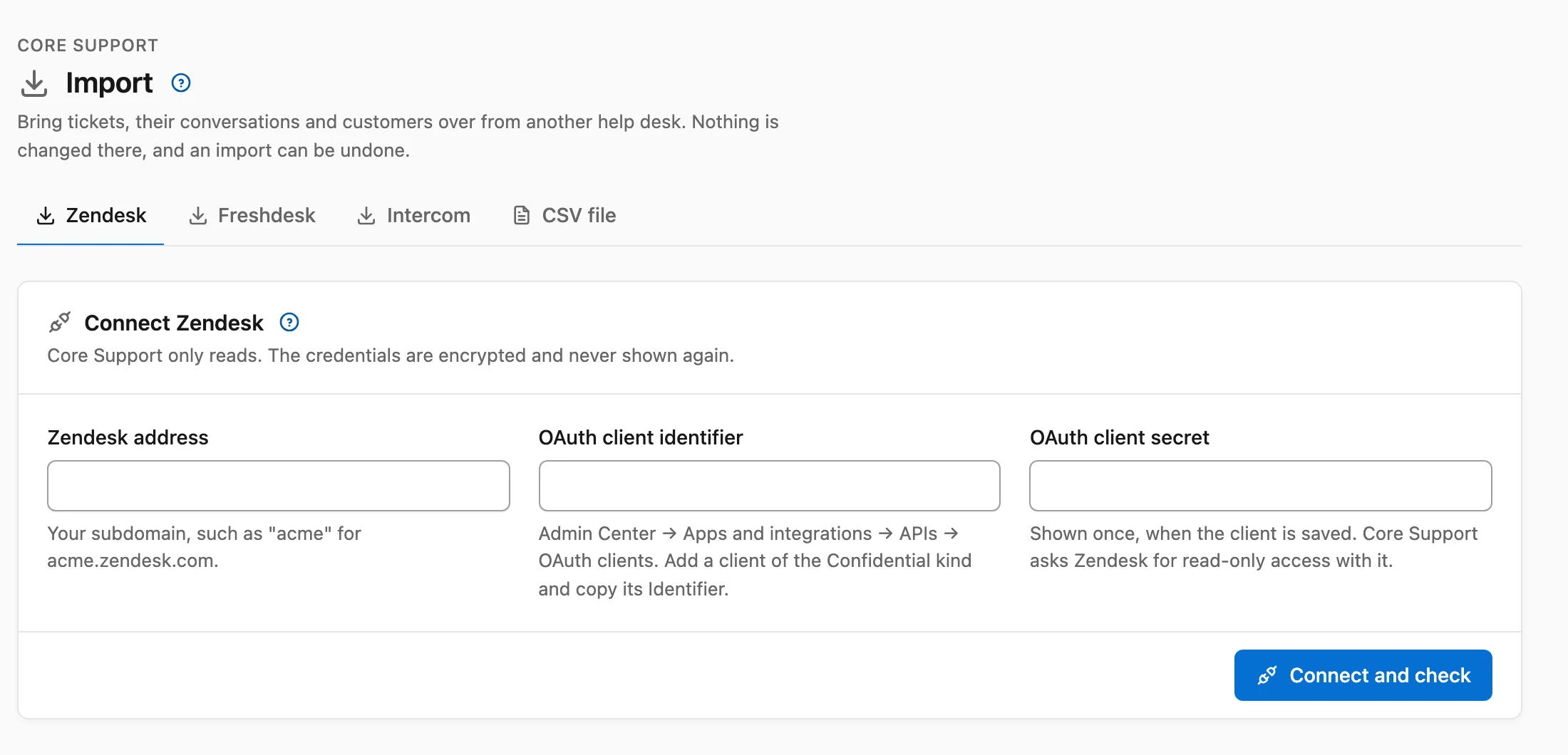
The part that matters most here is the Freshdesk importer. It connects with an administrator’s API key, reads tickets with their full conversations and the customers behind them, and changes nothing in Freshdesk.
When I connected a Freshdesk trial account, the check showed 3 tickets and matched me as the agent. It also listed how each custom status would map, such as Waiting on Third Party becoming a waiting status. Running the import a second time updated those 3 tickets instead of duplicating them, and Undo removed everything the import had created.
Core Support needs a WordPress site you control, and phone support stays with whatever calling tool you already use. Freshdesk’s archived tickets, satisfaction ratings and time entries stay behind. You can see everything it includes on the Core Support page.
Best Low-Cost Hosted Help Desk: Zoho Desk
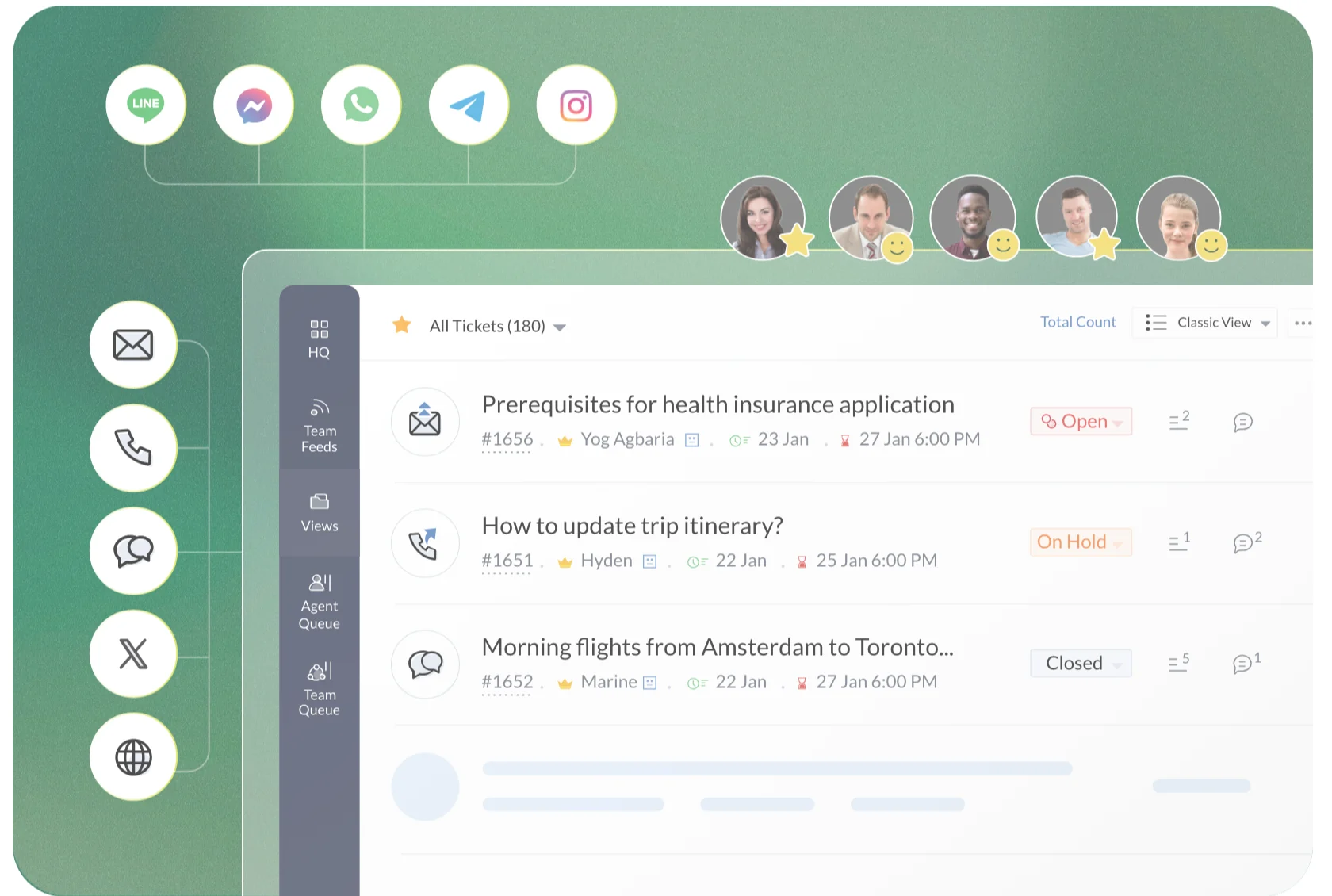
Zoho Desk is the cheapest way to stay on a hosted help desk with a knowledge base. Standard costs $14 per agent a month on annual billing ($20 monthly), and that’s the plan where the knowledge base, community forum and answer bot start.
- Free: 3 users with email ticketing.
- Express, $7: email, social, web forms, workflows and generative AI on your own key, but no knowledge base.
- Professional, $23: telephony, Zia AI, round robin assignment and a multilingual help center.
- Enterprise, $40: live chat through SalesIQ and skill-based assignment.
For the same 5 agents, Zoho Desk Standard costs $840 a year against Freshdesk Growth’s $1,140. It fits best if you already run Zoho CRM, because the two connect without extra setup. You can compare plans on the Zoho Desk pricing page.
Best Free Plan for Small Teams: Help Scout
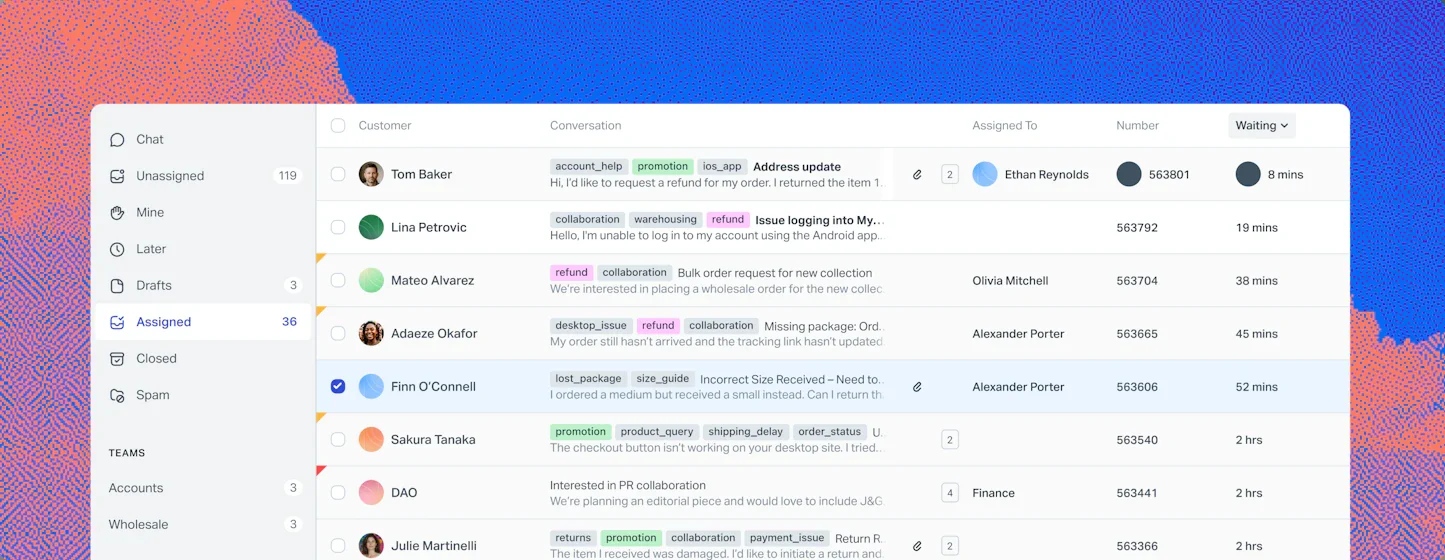
Help Scout is the easiest switch for a small team that mostly answers email. Its Free plan covers 5 users, 1 inbox and 1 Docs site, with a limit of 100 contacts a month.
- Standard, $25 per user a month on annual billing ($30 monthly): up to 25 users, 2 inboxes, multiple knowledge bases, live chat, basic workflows and one basic SLA.
- Plus, $45: advanced workflows, a secure customer portal, unlimited AI drafts and round robin assignment.
- AI agent: $0.75 per resolution.
The Free plan is a real option for a team that stays under 100 new contacts a month. Above that, Standard costs more per user than Freshdesk Growth, so you’d switch for a calmer inbox while the bill stays about the same or rises. Help Scout lists its plans here.
Best for Teams That Will Grow Large: Zendesk
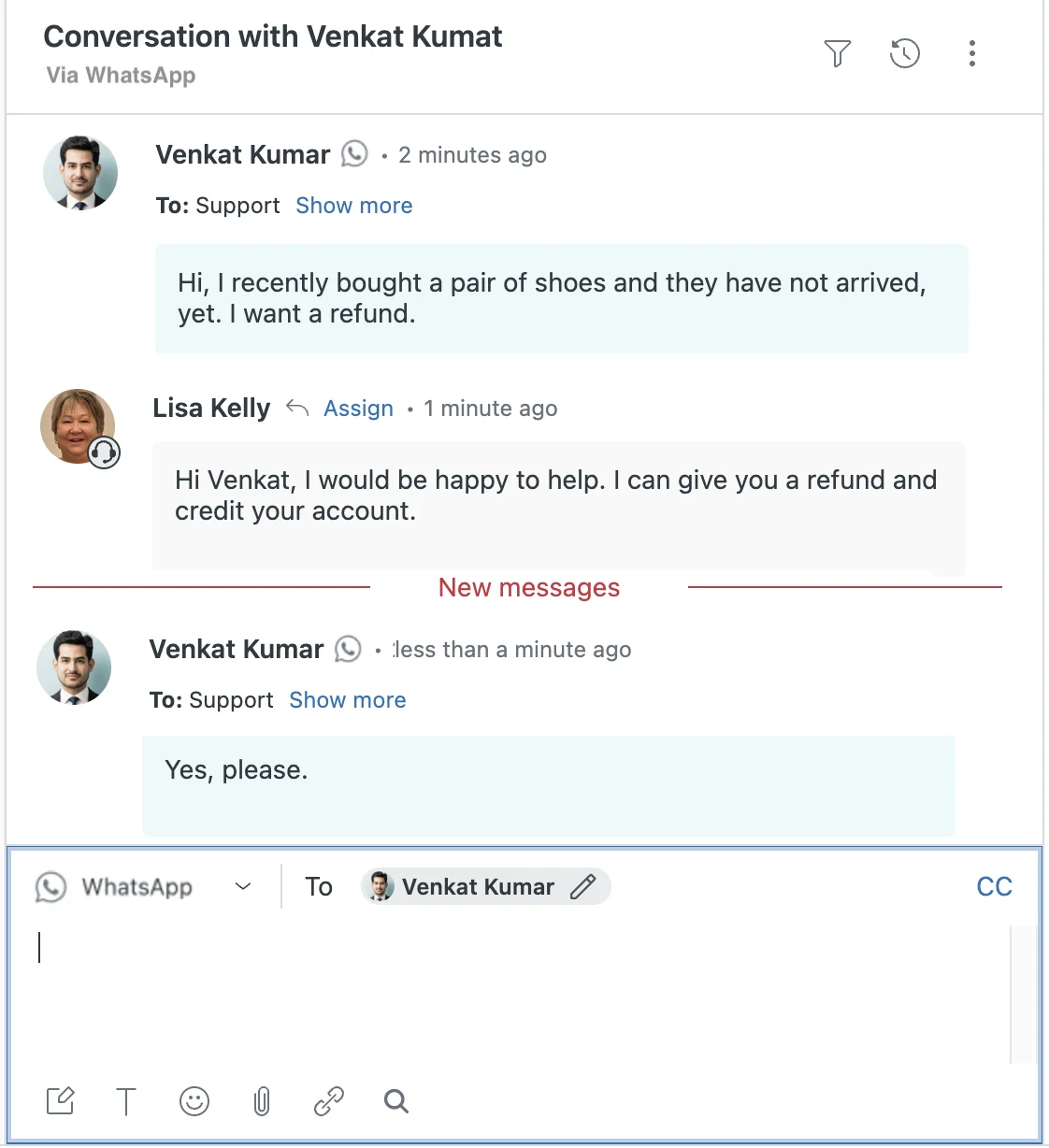
Zendesk is the hosted option I’d pick if you expect to grow into dozens of agents and will need SLAs, several help centers and light agents later.
- Support Team, $19 per agent a month on annual billing ($25 monthly): ticketing, macros, triggers and automations.
- Suite Team, $55 ($69): knowledge base, AI agents, messaging and live chat.
- Suite Professional, $115 ($149): SLAs, skills-based routing, up to 5 help centers and light agents.
- AI: 5 automated resolutions per agent a month are included on Team plans, then $2.00 each on pay-as-you-go.
For a small team leaving Freshdesk to save money, Zendesk usually costs more than Freshdesk does. The case for it is room to grow, and you can check where each feature starts on Zendesk pricing.
Best for Email-Heavy Teams: Front
Front works more like a shared email client than a ticket system. That suits teams whose support, sales and operations conversations all start in email.
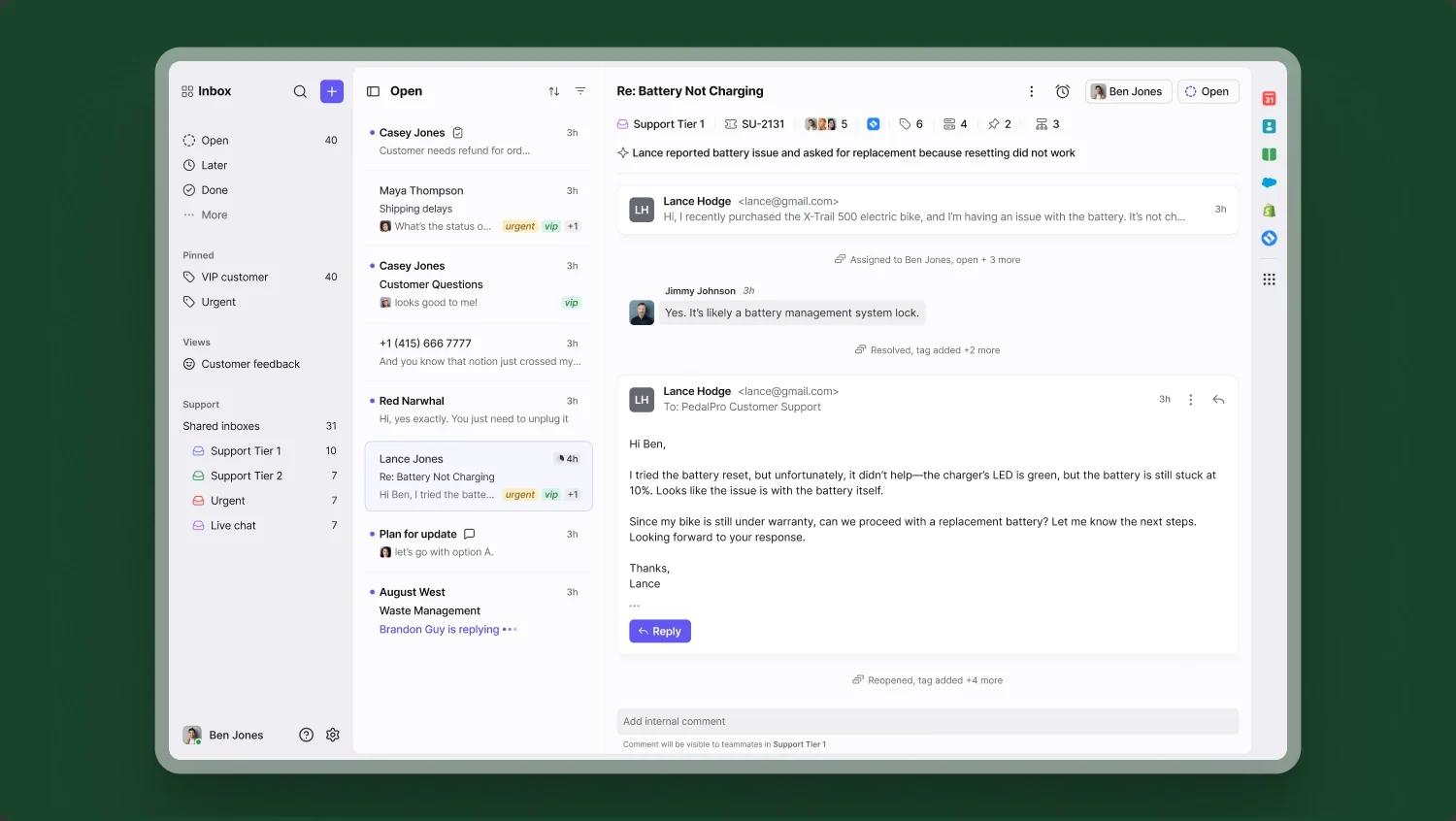
- Starter, $25 per seat a month on annual billing ($35 monthly): up to 10 seats on one channel type, with a shared inbox, ticketing, 10 automation rules and a public knowledge base.
- Professional, $65 ($85): more channels, macros, 20 rules and advanced analytics.
- AI: Copilot is $20 per seat a month, and the Autopilot AI agent is billed per conversation.
Starter’s 10-seat cap and single channel type are the catch. Outgrow either and the next step is $65 per seat on Front.
Best Free WordPress Helpdesk: Fluent Support
Fluent Support is my pick if you want a WordPress helpdesk and don’t want to pay anything yet. The free plugin gives you tickets on your own site with unlimited agents and tickets.
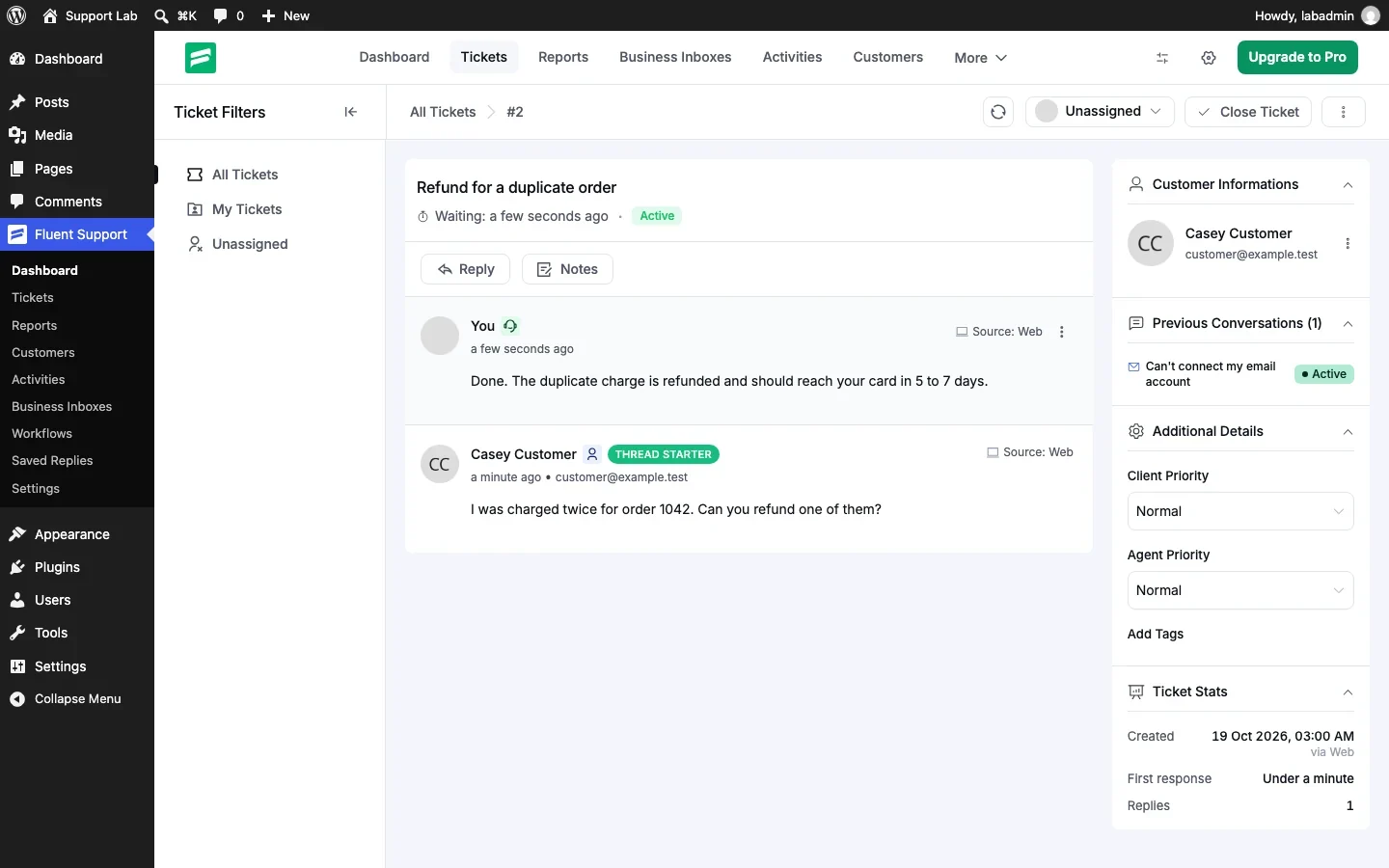
- Free: tickets from your site, with no email piping.
- Pro: $129 a year for 1 site, $249 for 5 and $399 for 50, with email piping capped at 10, 50 or 500 business inboxes.
- Knowledge base: none built in; it connects to BetterDocs.
Compared with Core Support, Fluent Support is cheaper to start and renews every year. It suits a team that is happy to start with a clean inbox.
Best Budget Self-Hosted Option: FreeScout
FreeScout is a free, open-source help desk you install on your own server. It runs on PHP and MySQL, even on shared hosting, with unlimited agents, tickets and mailboxes.
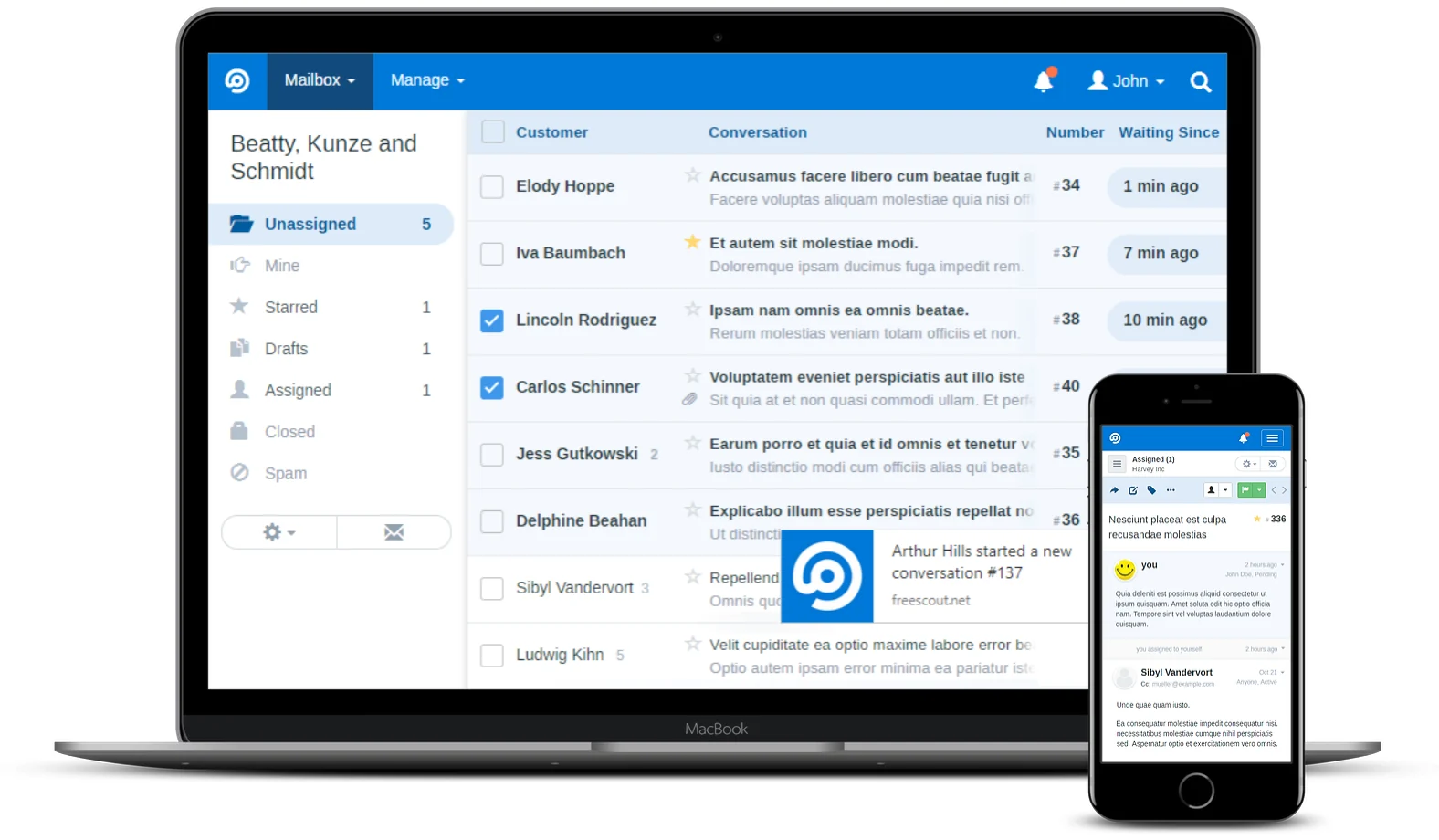
- Paid modules: one-time per install, with lifetime updates.
- Common picks: Knowledge Base $12, End-User Portal $12.99, Workflows $14.99, Reports $14.99 and API & Webhooks $12.99.
- A typical set: about $98 once.
The price is hard to beat. The cost is your time: updates, backups, email deliverability and security are your job. I’d only choose FreeScout if someone on your team already looks after servers.
Best Open Source With a Hosted Option: Zammad
Zammad is open source too, but you can also pay Zammad to host it in German data centers.
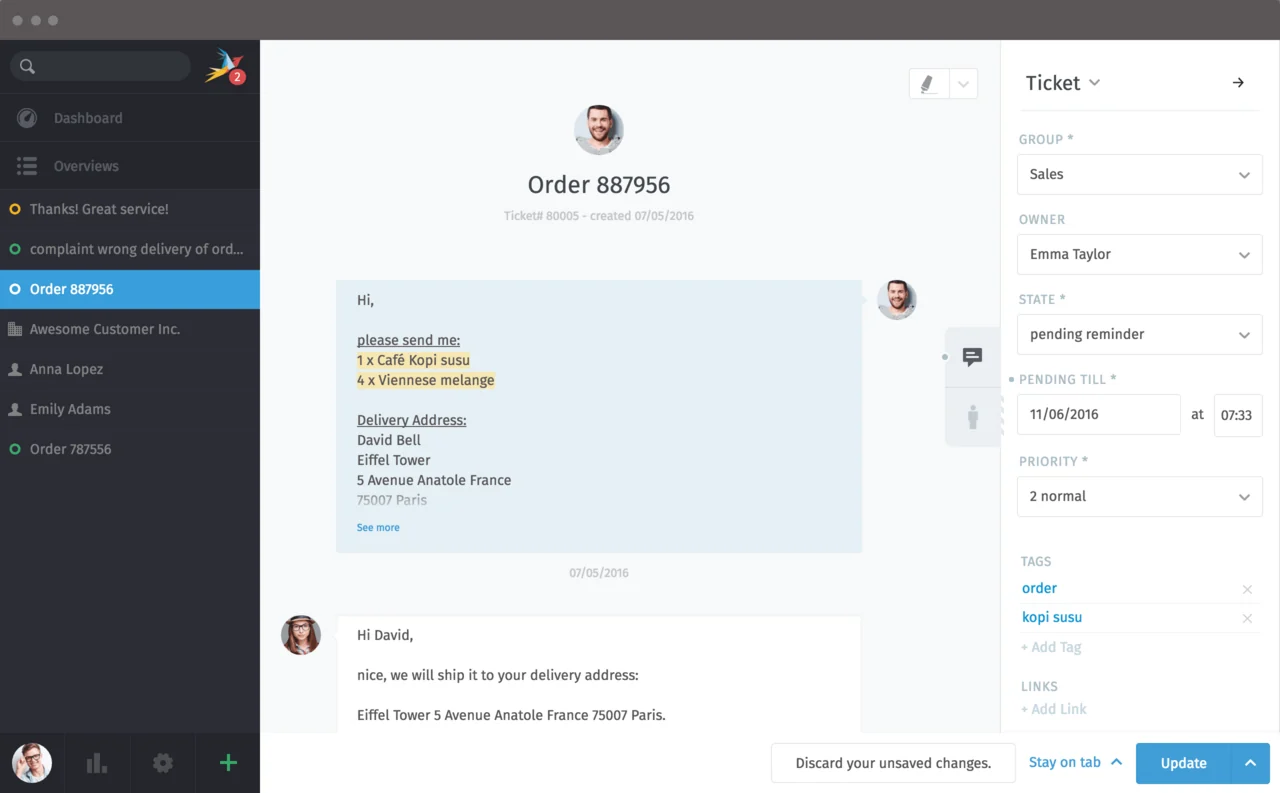
- Self-hosted: free, with optional support contracts from €2,999 a year.
- Hosted Starter: €7 per agent a month on annual billing, for up to 5 agents and with no knowledge base.
- Hosted Professional: €16 for up to 35 agents, with SLAs and a knowledge base.
- Hosted Plus: €25, adding a multilingual knowledge base and workflows.
- AI: optional, at €0.03 per AI call.
Hosted Professional costs about what Freshdesk Growth does. The reason to pick Zammad is that the same software runs on your own server whenever you want full control of the data.
Moving Your Freshdesk Tickets
Whichever tool you pick, the history is the part teams lose. Before you cancel, ask how the new tool brings Freshdesk tickets over with their replies and customers attached.
With Core Support, the move takes these steps:
- In Freshdesk, copy an administrator’s API key from Profile settings → View API key, so every ticket is visible.
- If Freshdesk says the key is disabled, an administrator turns on Grant API key access for that agent under Admin → Agents → Security and permission.
- In WordPress, open Core Support → Import → Freshdesk, enter your Freshdesk subdomain and the key, and choose Connect and check.
- Read the check. It shows the ticket count, how each team member will appear and which Core Support status each custom status becomes.
- Choose Start import. Leave the date empty to bring everything, or set a date to bring only recent tickets.
This is what comes over from Freshdesk:
- subject, status, priority and the original dates
- every reply and private note in order, with the ticket description as the first message
- attachments up to 20 MB
- customers, merged by email address with anyone already in Core Support
- tags, type, CCs and ticket fields, kept in a private note at the top of each ticket
Nothing goes out during the import: no email reaches customers and no alerts reach your team. Archived tickets, satisfaction ratings, time entries and requesters without an email address stay in Freshdesk.
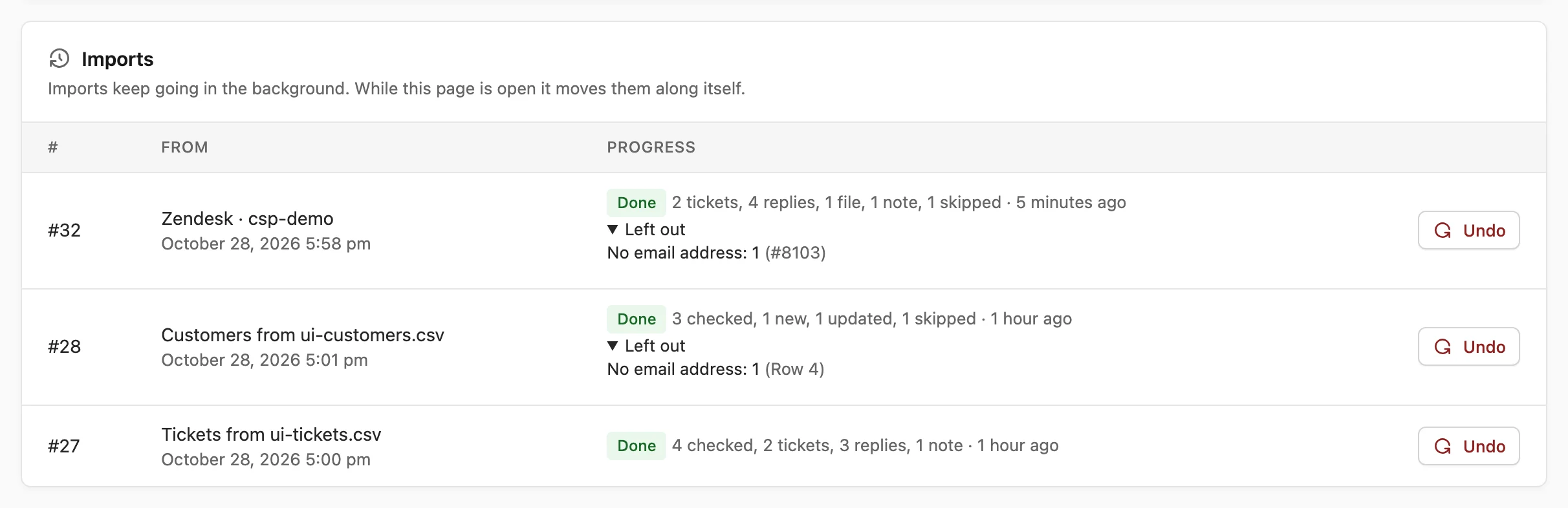
I’d run the import once early, read a few long conversations, then run it again on the day you switch. The second run brings in what changed without creating duplicates. If you want to compare more WordPress options first, I tested 7 of them in my WordPress helpdesk plugins roundup.
FAQs on Freshdesk Alternatives
Is there a free alternative to Freshdesk?
Yes. Help Scout’s Free plan covers 5 users and 100 contacts a month, Zoho Desk’s Free plan covers 3 users with email ticketing, and Fluent Support is a free WordPress plugin. FreeScout and self-hosted Zammad are free if you run your own server.
What is cheaper than Freshdesk?
Zoho Desk Standard costs $14 per agent a month on annual billing, against $19 for Freshdesk Growth, and it includes a knowledge base. A one-time license such as Core Support at $199 costs less than a single Freshdesk Growth seat within the first year and covers any number of agents.
Does Freshdesk still have a free plan?
Freshdesk’s pricing page doesn’t list one. Its “Start for free” button opens a 14-day trial of the Enterprise plan.
How much does Freshdesk’s AI cost?
Every account gets 500 free Freddy AI Agent sessions once. After that, sessions cost $49 per 100. An email session covers 72 hours from the customer’s first email. Freddy AI Copilot is a separate $29 per agent a month on annual billing.
Can I move Freshdesk tickets to WordPress?
Yes. Core Support imports Freshdesk tickets with their replies, private notes, attachments up to 20 MB and customers through Freshdesk’s API, using an administrator’s API key. Archived tickets, satisfaction ratings and time entries stay in Freshdesk.
Final Remarks
If the per-agent bill is the only thing bothering you about Freshdesk, I’d price Zoho Desk Standard first and probably stop there.
If you run a WordPress business and want the help desk, docs and AI chat on your own site, I’d install Core Support first. Import a slice of your Freshdesk tickets and read a few long conversations before you cancel anything.
Tell Google you want more of this.
Add Gatilab as a preferred sourceOne tap, and this site shows up more often in your own Top Stories, AI Overviews and AI Mode. Remove it any time.