
Xenon Free WordPress Portfolio Theme
Let projects lead the introduction.Xenon is a free WordPress portfolio theme for photographers, designers, architects, and small studios. Its block-based layouts put project images first, with a mosaic, a ruled work index, and project structures that can explain the brief as well as show the finished work.
Choose it when a visitor needs to understand your work quickly and then look closer. Large images can establish character, but a useful portfolio also identifies the discipline, the contribution, and the next step. Xenon’s project kit gives those details a place without making every page look like a blog post.
Purchases and downloads are handled by gauravtiwari.org.
- Platform
- WordPress
- Download & Account
- gauravtiwari.org
What Xenon Does
Choose the capabilities that support your actual workflow. Each has a different job to do.
Projects as WordPress Posts
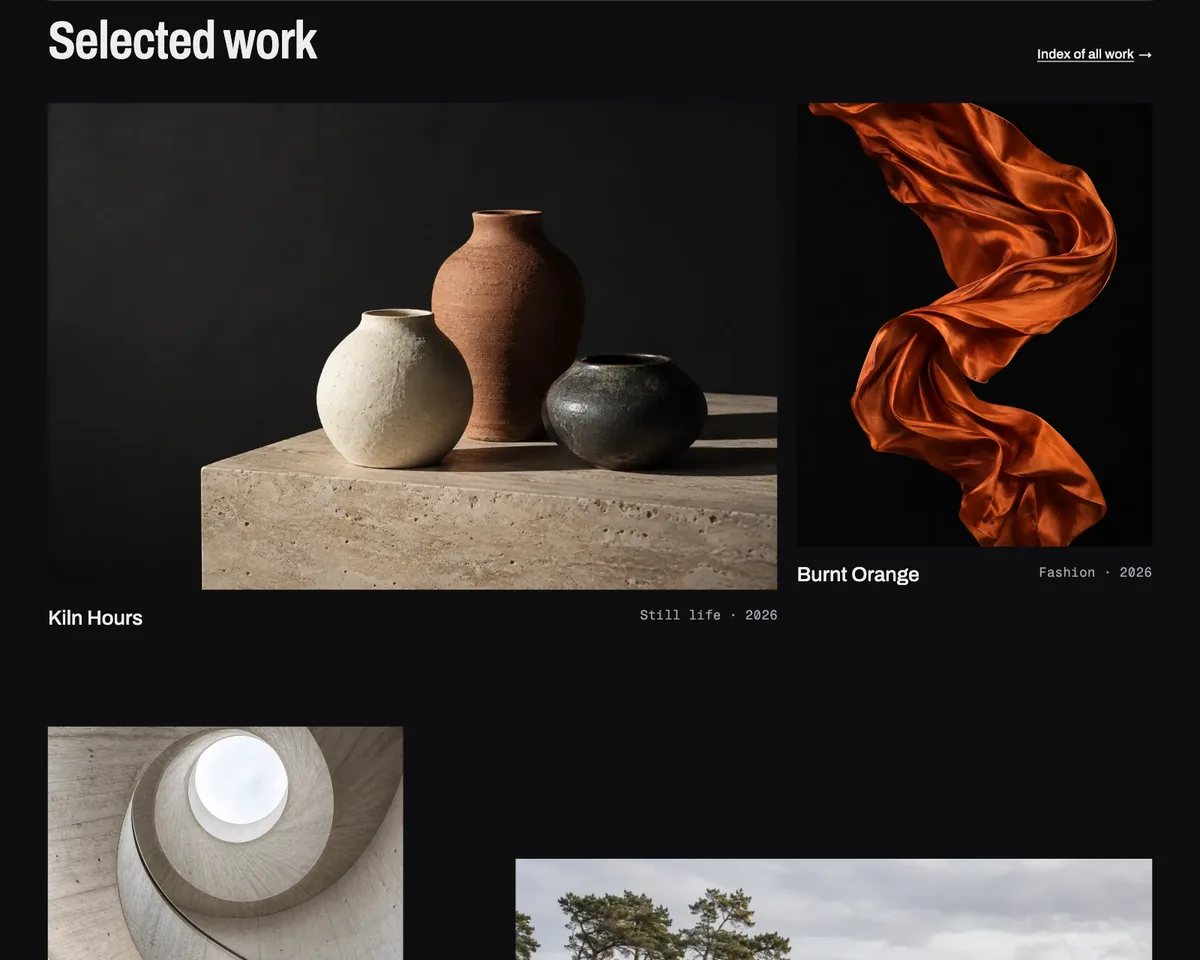
Projects use ordinary posts in a category with the slug work, with tags for disciplines. Front-page and work patterns can pick up those projects automatically. That gives you a repeatable publishing model instead of manually rebuilding the homepage grid for every new piece.
A Project Story Kit
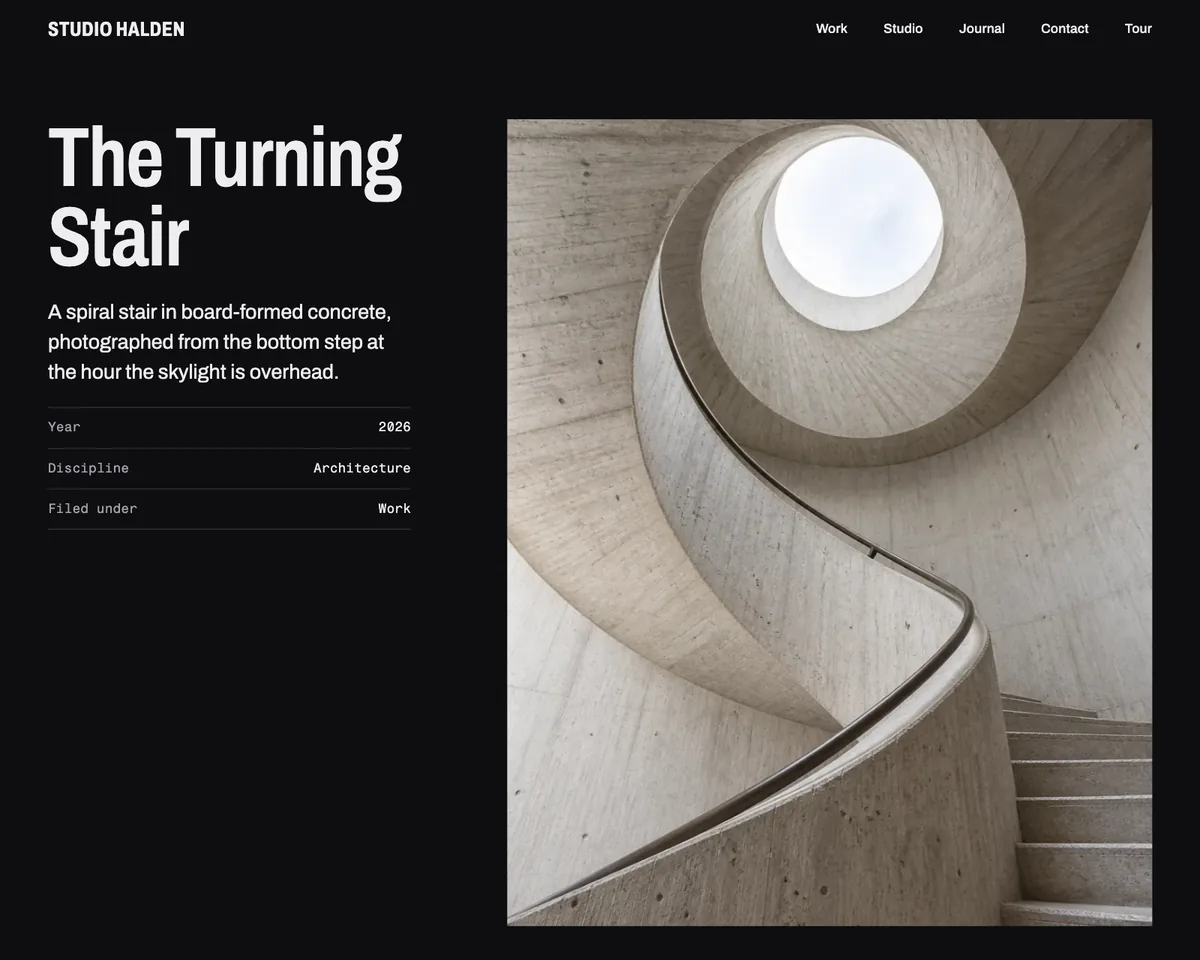
Patterns cover the lead and facts, brief and approach, process, images, credits, and next project. Choose a full-screen cover or a layout that keeps details beside the images. Use the structure to explain your role, especially when several people contributed to a project.
Distinct Gallery Styles
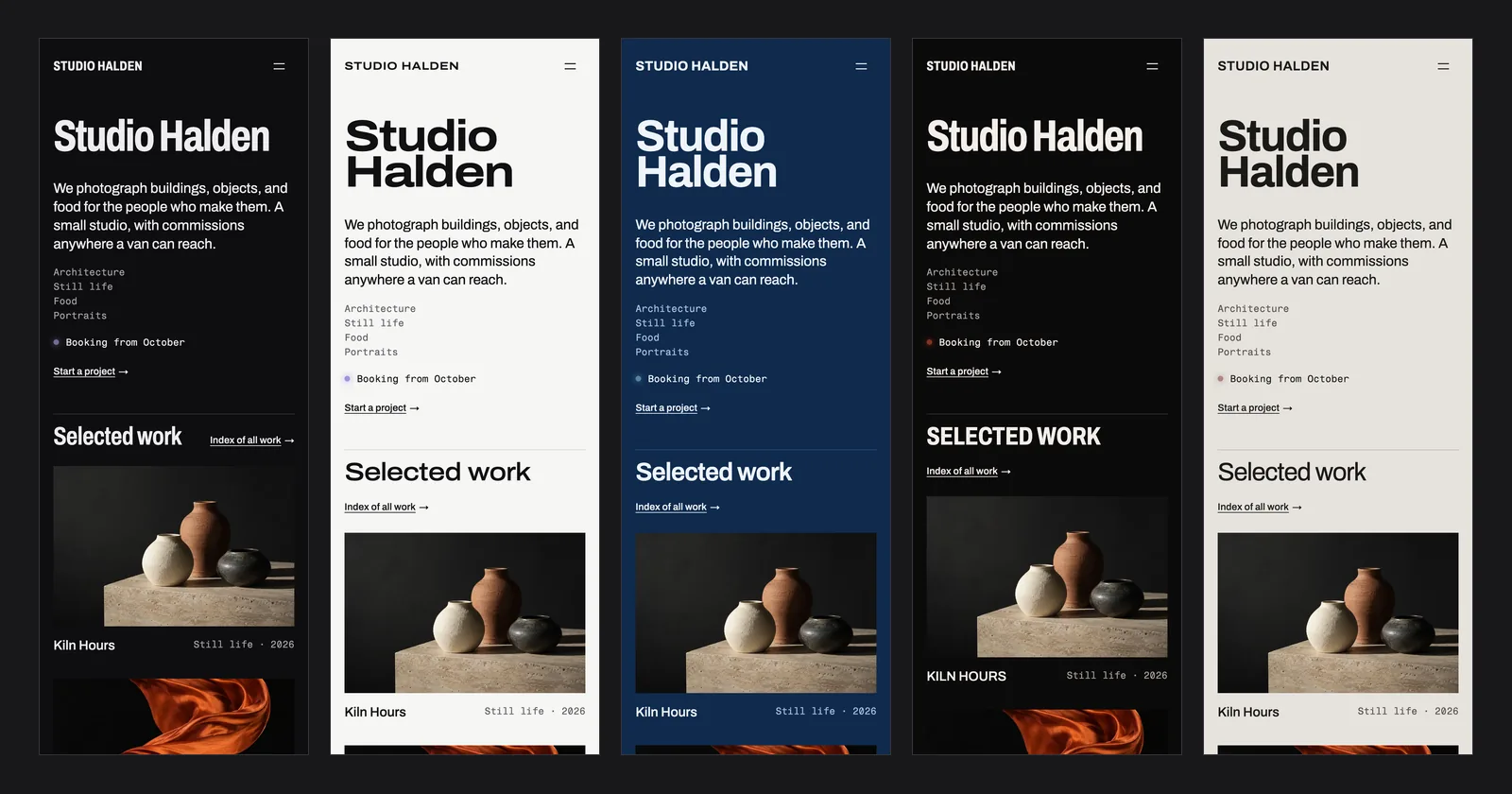
Choose from Darkroom, White Cube, Cyanotype, Safelight, and Silver, with headline-width presets using bundled Archivo. Fragment Mono supports the secondary type. The styles change the presentation while keeping the project content editable.
Theme Layouts
Select an image to view it at full size.
A Studio Publishing a Completed Project
Suppose a design studio wants to publish a new identity project. Create a post in the work category, set a featured image that reads clearly at small sizes, and write a short excerpt describing the assignment rather than repeating the project title.
Inside the project, explain the brief and the studio’s contribution before showing the detailed image sequence. Use credits to acknowledge collaborators and choose only the process material that helps a prospective client understand the decisions. A long sequence of near-identical mockups can make a strong project harder to assess.
Tag the discipline consistently so the portfolio stays organized as it grows. The publishing model then does useful work: a new project has a detail page, a place in the work archive, and a route back into the rest of the studio’s portfolio.
A project page should leave the visitor knowing what you contributed, not merely what you photographed.
How to Get Started
Start with a staging copy and a representative task, then extend the setup once the complete path makes sense.
Try the Theme With Your Images
Install the free ZIP on staging and use representative landscape, portrait, and detailed images. A portfolio theme should be assessed with work like yours.
Choose the Gallery Style
Select a style and headline preset in the Site Editor. Review image contrast against the chosen background rather than choosing dark mode by habit.
Publish a Work Post
Use the work category slug, relevant discipline tags, a featured image, and an excerpt. Add the project story using appropriate patterns.
Connect the Enquiry Route
Review the studio, services, and contact pages. Point contact links to a working email or add a suitable form plugin where a form is needed.
Before You Go Live
Use these checks for the parts of the workflow this product affects.
- Use accurate credits and describe your actual contribution.
- Choose featured images that survive small crops.
- Keep discipline tags consistent across projects.
- Remove example client names, testimonials, and numbers.
Is It Right for Your Site?
Consider the working requirements alongside the design or feature list.
When It Fits
Xenon fits visual portfolios where projects should drive navigation and the studio can maintain content as ordinary WordPress posts. It is useful for teams that want Site Editor control and a recognizable image-led presentation.
Know the Limits
It does not provide client proofing galleries, sliders, or WooCommerce templates. A contact layout is not a booking system. If clients need private selections, approval tools, or sales fulfillment, those are separate functional requirements.
Requirements
Requires WordPress 7.0 or newer and PHP 7.4 or newer. Xenon is an early release; review your existing plugins and content on staging. Its Front Page template takes precedence over a static homepage unless you change it.
Download and License Details
Xenon is free under GPL-2.0-or-later for personal and client projects. Download the package through the free checkout on gauravtiwari.org. The current store package includes automatic theme updates without a license key.
Gatilab explains the product and its practical use. The original product page on gauravtiwari.org handles the current offer, checkout or installation route, account access, and product support.
Need help implementing the site around it? Explore Gatilab’s WordPress block theme development services. Implementation work is separate from the product download or license.
Common Questions
A few remaining details before you choose the product.
Do I need a custom portfolio post type?
No. The documented workflow uses standard posts in the work category and discipline tags. Keep that taxonomy consistent so the included patterns can find the intended projects.
Can I use a light design?
Yes. The theme includes light as well as dark designs. Choose the background that suits your images and reading content, then review both the index and project pages.
Does the theme include private client approvals?
No. Xenon presents public portfolio work. Client proofing, approvals, and protected galleries require an appropriate separate system.
Publish a Project With Context
Bring your strongest work, a clear account of the brief, and a direct way to start the next conversation.
Continue to the original product page for the current offer and next steps.