
It Looks Finished but Feels Unclear
Visitors cannot quickly tell what you do, who it is for, or what they should do next.
Gatilab plans, builds, and maintains websites for businesses in Etawah. The work can cover WordPress, ecommerce, custom applications, API integrations, and performance repair without splitting the project across multiple vendors.
A weak website is rarely one bad page. The deeper problem is usually a disconnected system: design, content, forms, analytics, hosting, and business tools were chosen separately and never made to cooperate.
That is why a redesign that only changes colors can feel better for a month and remain just as hard to run.
Visitors cannot quickly tell what you do, who it is for, or what they should do next.
The editing experience is so brittle that routine publishing becomes a support ticket.
Forms, payments, email, CRM, and reporting create duplicate work instead of removing it.
The right build depends on the job. A simple marketing site, a high-volume store, and an internal application should not be squeezed into the same template. We choose the smallest architecture that can handle the work reliably.
A reliable site has layers with clear jobs. Keeping those boundaries visible makes the build easier to test, change, and recover when something breaks.
When each layer has one clear responsibility, a content edit does not become a code release and a plugin update does not become a rescue project.
The website matters, but so does the trail behind it. A project should leave you with decisions you can understand and a system another competent developer can maintain.
Pages, features, responsibilities, exclusions, milestones, and acceptance rules.
A reviewable build where decisions can be tested before launch.
Checks for responsive behavior, forms, links, accessibility, and critical flows.
Access, update routines, key dependencies, and the safest way to make changes.
The process is deliberately visible. You should know what is being decided, what is ready for review, and what could change the scope before it changes the invoice.
Define the audience, business goal, constraints, content, and existing systems.
Choose the platform, page model, integrations, and technical boundaries.
Create the system in reviewable parts instead of hiding it until the end.
Test the real journeys, fix the blockers, prepare recovery, and release carefully.
Document the system, train the owners, and agree on the maintenance boundary.
This works best when the website has a real job to do and someone on your side can make decisions. It is less useful when the brief is only to make something trendy.
If the only goal is the cheapest possible page, a copied theme demo, or an unverified promise of instant rankings, there are faster options. We are useful when structure, reliability, and long-term ownership matter.
Cost and timing depend on the system, not the city name on the page. These answers show the decisions that usually change a proposal.
Cost changes with page count, content readiness, custom design, ecommerce, integrations, migration risk, and ongoing support. A useful estimate starts after those requirements are separated into essential work and optional work.
A focused marketing site can move faster than an ecommerce store or custom application. The reliable way to set a timeline is to map dependencies first, then attach review dates and acceptance rules to each milestone.
Yes. The first step is an audit of the current content, search visibility, analytics setup, integrations, and hosting. Useful parts can stay. Fragile parts should not be carried into the new build just because they already exist.
No. WordPress is often the right choice for content-led sites, but ecommerce, portals, dashboards, and custom workflows may need a different architecture. The platform follows the job.
Yes, when the source can be mapped and validated. Migration scope should define what moves, how redirects work, how media is handled, and which records must be checked before launch.
You receive handoff notes and an agreed support boundary. Ongoing maintenance can cover updates, monitoring, security, performance, content changes, and further development, depending on what the site needs.
Selected website and publishing platforms built around the team that has to operate them after launch.
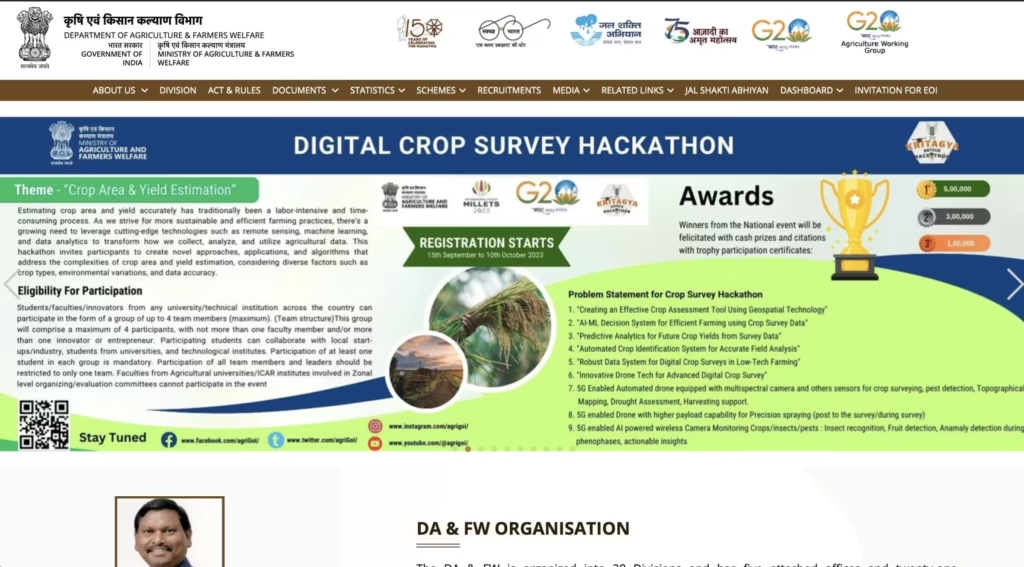
Live in daily use, including PM-Kisan publishing workflows and routine updates handled by the internal team.
Visit Site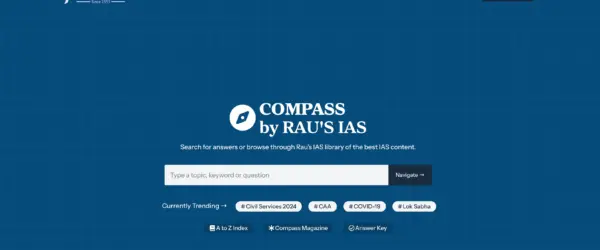
Editors publish independently every day on a platform designed around their workflow.
Visit Site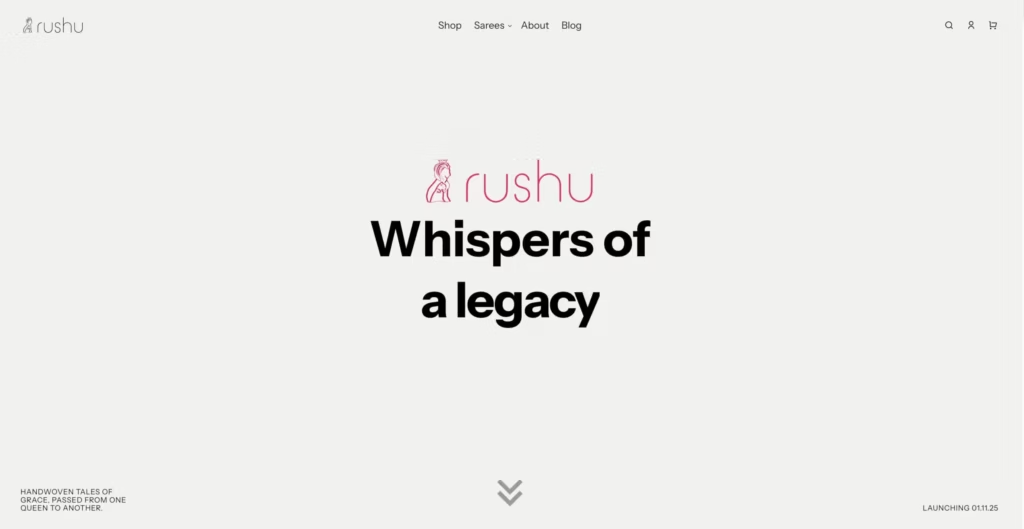
A restrained, product-first store the founder can operate and confidently call premium.
Visit Site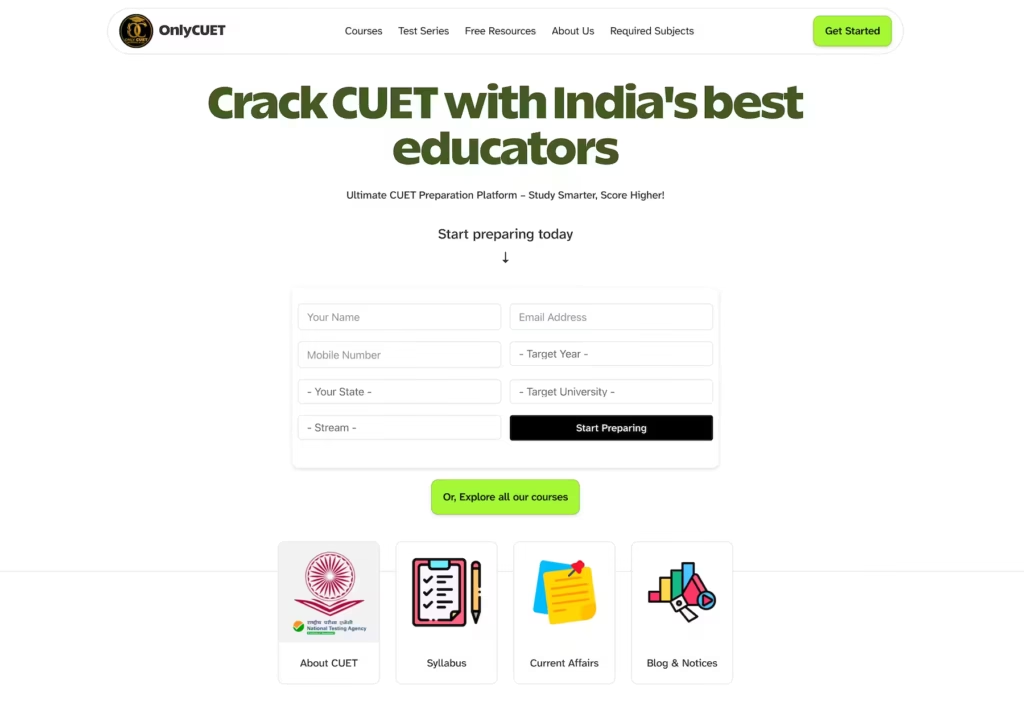
A focused online learning and test platform for CUET aspirants.
Visit SiteTell us what the website needs to do, what already exists, and where the current setup gets in the way. That is enough to start a useful conversation.