
Palladium Theme for FluentCart and WooCommerceA fashion storefront with room to breathe.
Palladium is a premium WordPress theme for clothing, shoes and accessories stores on FluentCart or WooCommerce. It pairs editorial product pages with native store shopping, and every plan includes the matching extension at no extra cost: GT Extensions for FluentCart, or Stackless for WooCommerce.
Or get 10 Sites for $199 once
The 3 Sites plan renews yearly. The 10 Sites plan is one payment. A 14-day refund period applies under the Terms of Service.
- WordPress 6.8+
- PHP 8.1+
- FluentCart 1.7+ or WooCommerce 11.2+
What Palladium Does
Everything below comes with the theme. You choose what to use on each site.
Made for Your Store
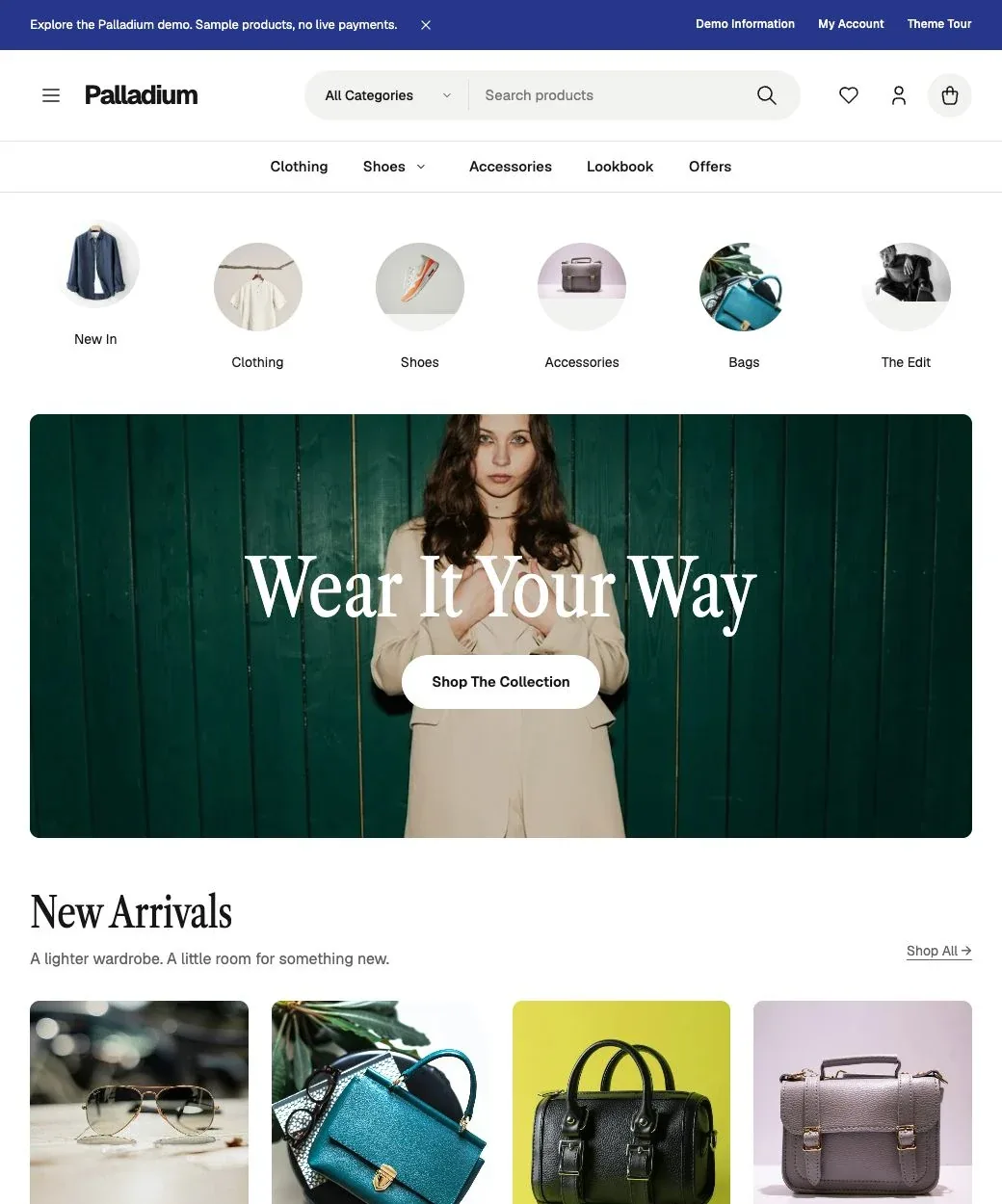
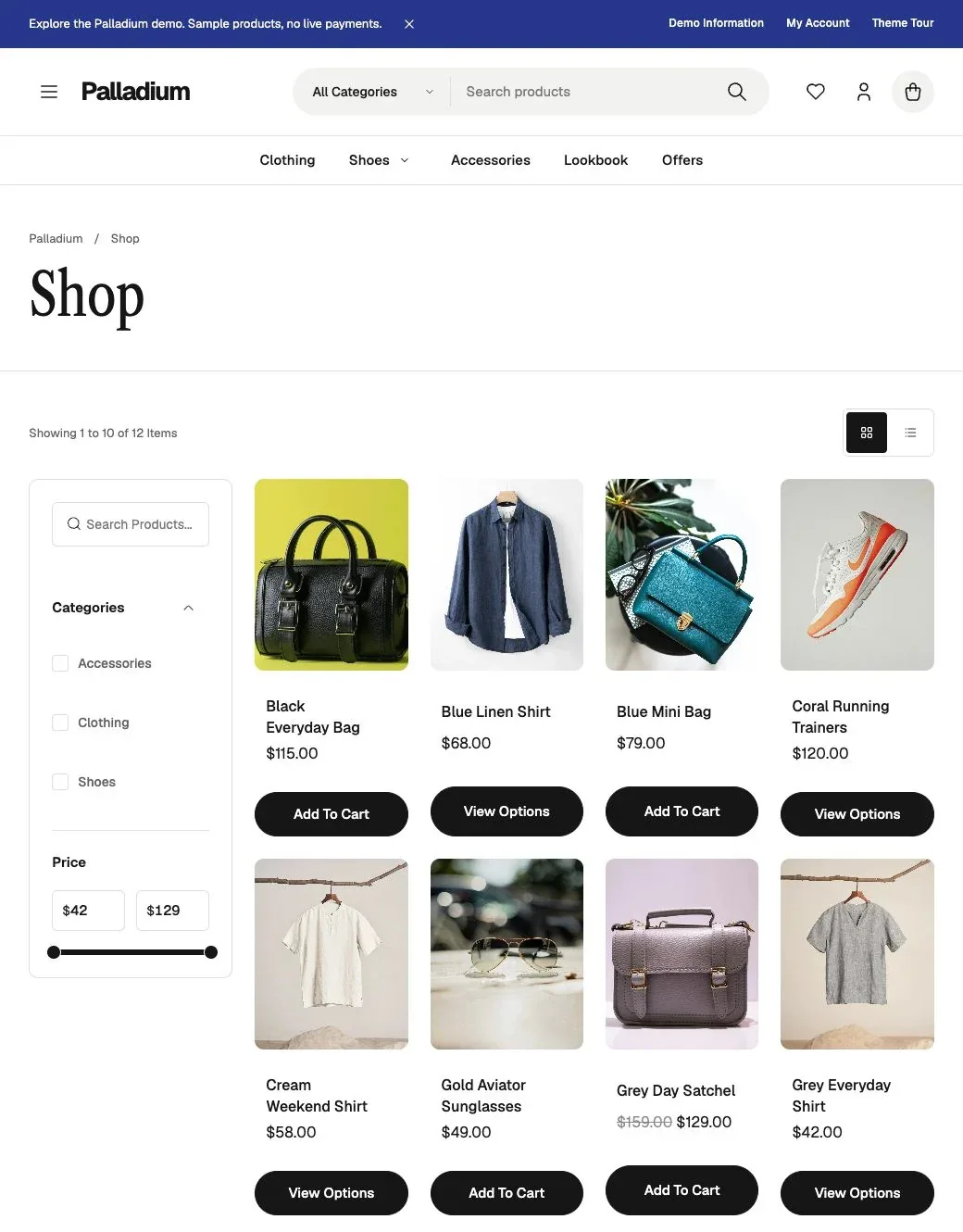
Lead with collections, with search, category navigation, clean product cards and native filters and sorting.
Product Pages Worth a Closer Look
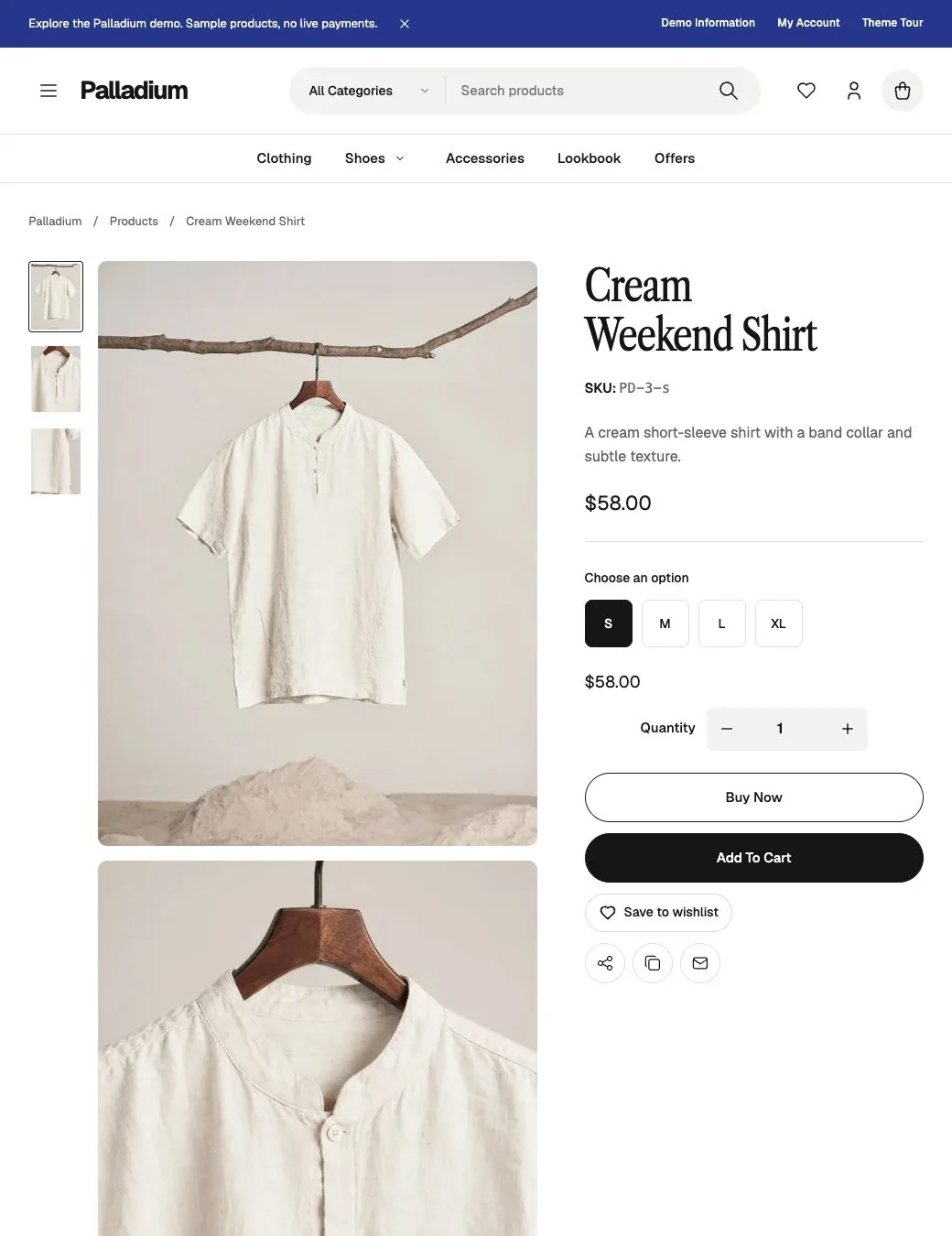
Stacked images, native zoom and a bounded sticky purchase column. On phones, the gallery becomes a swipeable strip.
4 Presets or Your Own Colors
Start from Cobalt, Forest, Clay or Monochrome, or change every color. FluentCart can inherit the theme palette.
Fonts on Your Own Server
Pick body and headline fonts independently, and download Google Fonts locally through the WordPress Font Library.
Headers and Patterns
Choose from 3 header styles, an optional topbar and 15 editable patterns for campaigns, lookbooks and offers.
A Store Extension Included
FluentCart stores get GT Extensions, with wishlists, saved carts and Checkout Builder. WooCommerce stores get Stackless for WooCommerce. Turn off anything you don’t need.
See Palladium
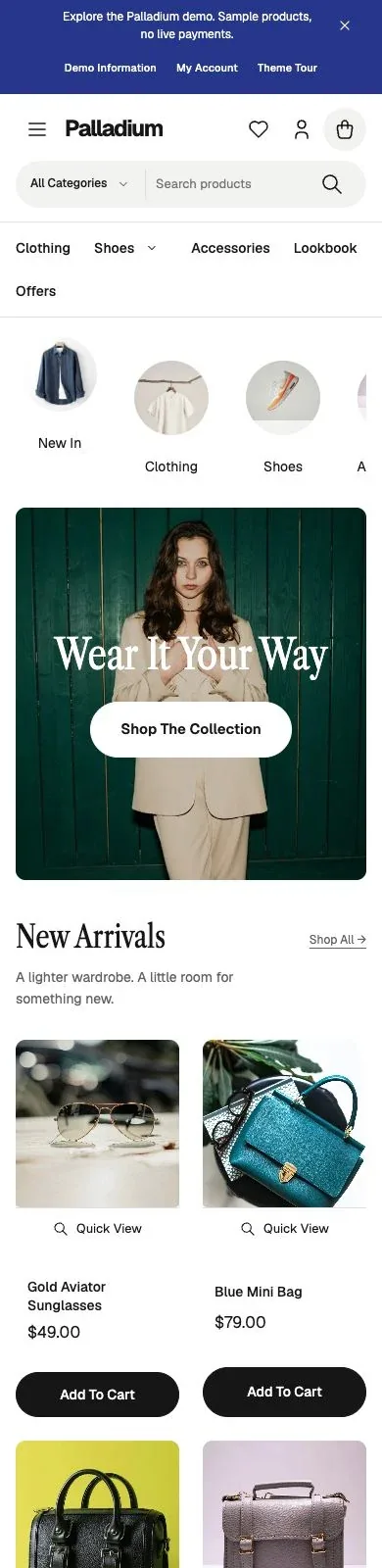
Select any screen to see it at full size.
How It Works
Install the Theme
Install FluentCart or WooCommerce, then upload Palladium under Appearance, Themes.
Activate Your Key
Activate your license in Palladium Settings. Palladium installs the included extension your store uses.
Make It Yours
Set your colors and fonts, add a pattern to your homepage and publish your catalog.
Palladium Pricing
Checkout, your license and your downloads are handled on gauravtiwari.org.
3 Sites
$59
Per year, 3 websites
- All theme features and patterns
- GT Extensions or Stackless for WooCommerce included
- Updates during your paid term
- Support during your paid term
10 Sites Lifetime
$199
One payment, 10 websites
- The same complete theme
- GT Extensions or Stackless for WooCommerce included
- Lifetime updates and support
- Use on your own and client websites
Prices are in USD, and checkout may show your local currency. Checkout shows any applicable taxes. FluentCart or WooCommerce is installed separately, and FluentCart Pro is optional.
Do I need to buy GT Extensions or Stackless separately?
No. Both plans include GT Extensions for FluentCart and Stackless for WooCommerce, and Palladium installs the one your store uses. There is no separate plugin license key, and each Palladium update includes the bundled extension update.
Is FluentCart Pro required?
No. FluentCart or WooCommerce is installed separately, and FluentCart Pro is optional. Module requirements and payment-provider compatibility still apply.
What happens if my license expires?
Only the 3 Sites plan can expire. Your installed store continues to work, but updates, support and new downloads need an active term. The 10 Sites plan includes lifetime updates and support.
Can I keep my design during updates?
Yes. Theme settings and the WordPress Font Library are kept separately from the theme files. Use a child theme for changes to PHP templates.
Give Your Products Room to Sell
Walk through the demo store on your phone first, then choose the plan that matches the number of stores you run.