
Core Bookings WordPress Booking PluginTurn your availability into bookable time.
Core Bookings is a WordPress booking plugin for appointments, classes and teams. It handles the schedule, the payment, the calendar sync and the reminder on your own site, with booking data that stays with you.
Or get Yearly for $39/year
A lifetime license covers unlimited client sites and every future update. 14-day money-back period.
- WordPress 6.9+
- PHP 8.3+
- Uses your theme’s fonts
What Core Bookings Does
Everything below comes with the plugin. You choose what to use on each site.
Your Schedule, Your Rules
Set weekly hours, split shifts, time off, buffers, minimum notice and daily or weekly limits per staff member.
Appointments and Group Sessions
Offer one-to-one services or group seats, each with its own duration, staff and payment rules.
Payments and Deposits
Take full payments or deposits through Stripe, PayPal, Polar, Paddle, Dodo Payments or FluentCart.
Connected Calendars and Meetings
Busy times block bookings across Google, Microsoft 365 and CalDAV. Services can create Meet, Zoom or Teams links.
Reminders and Self-Service
Send confirmations and reminders, and let customers reschedule or cancel inside your cutoff.
Packs, Recurring Sessions and Waitlists
Sell session packs, book up to 52 recurring sessions and offer freed-up seats to a waitlist.
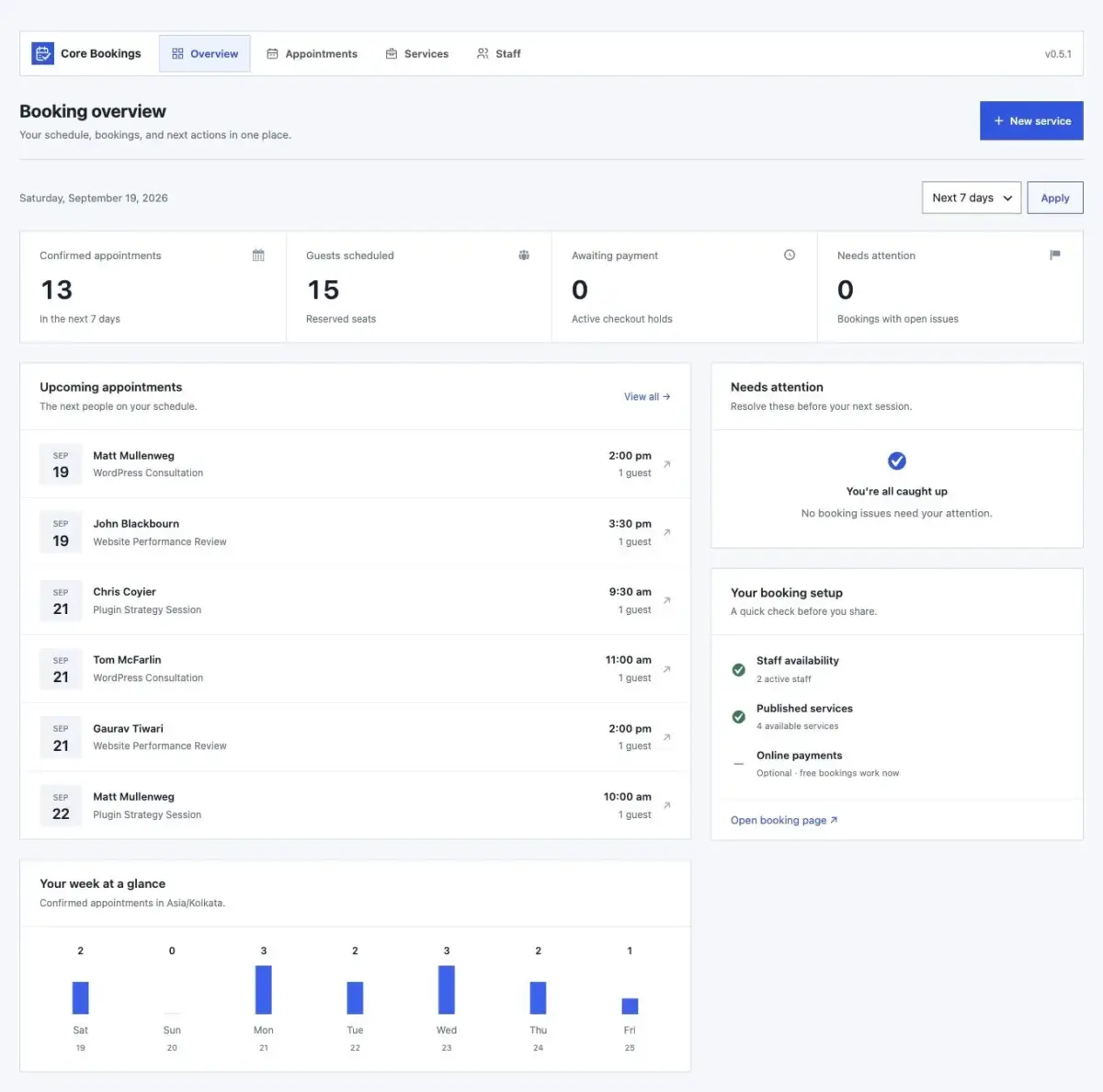
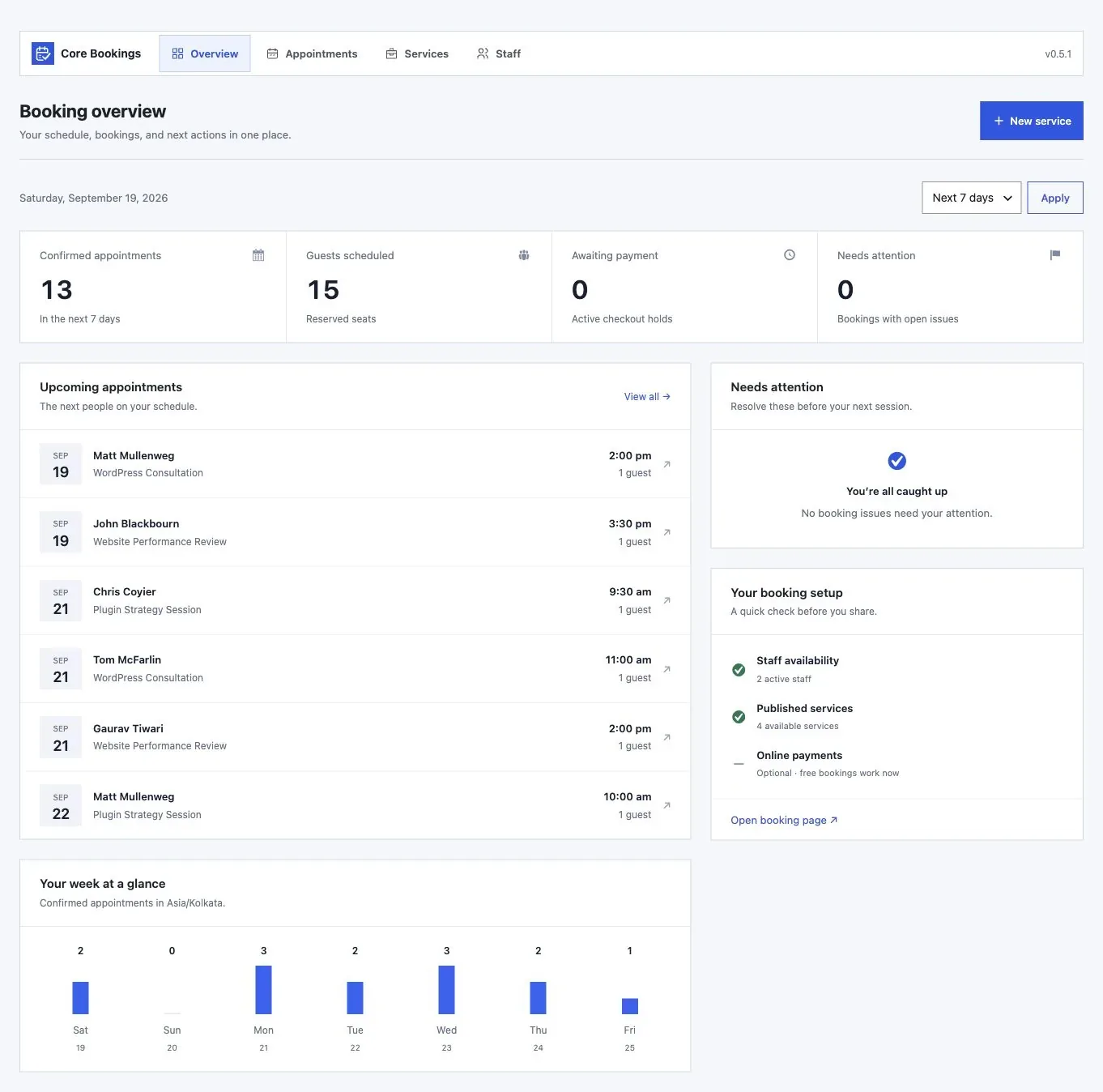
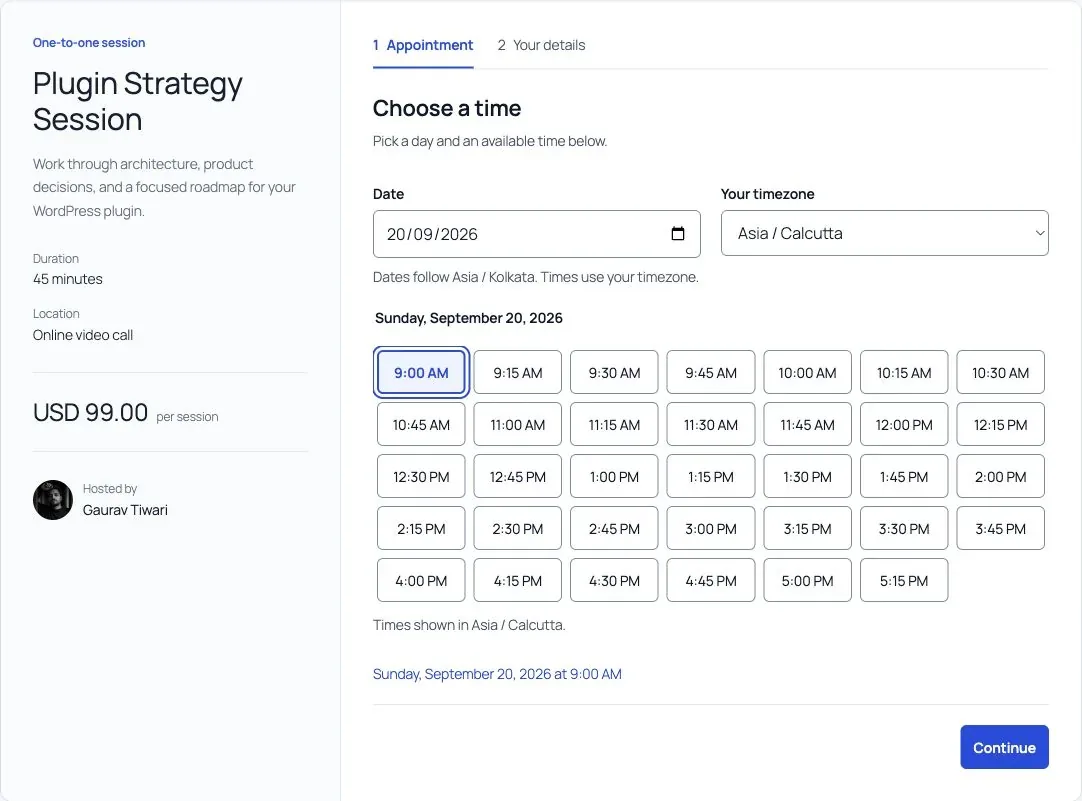
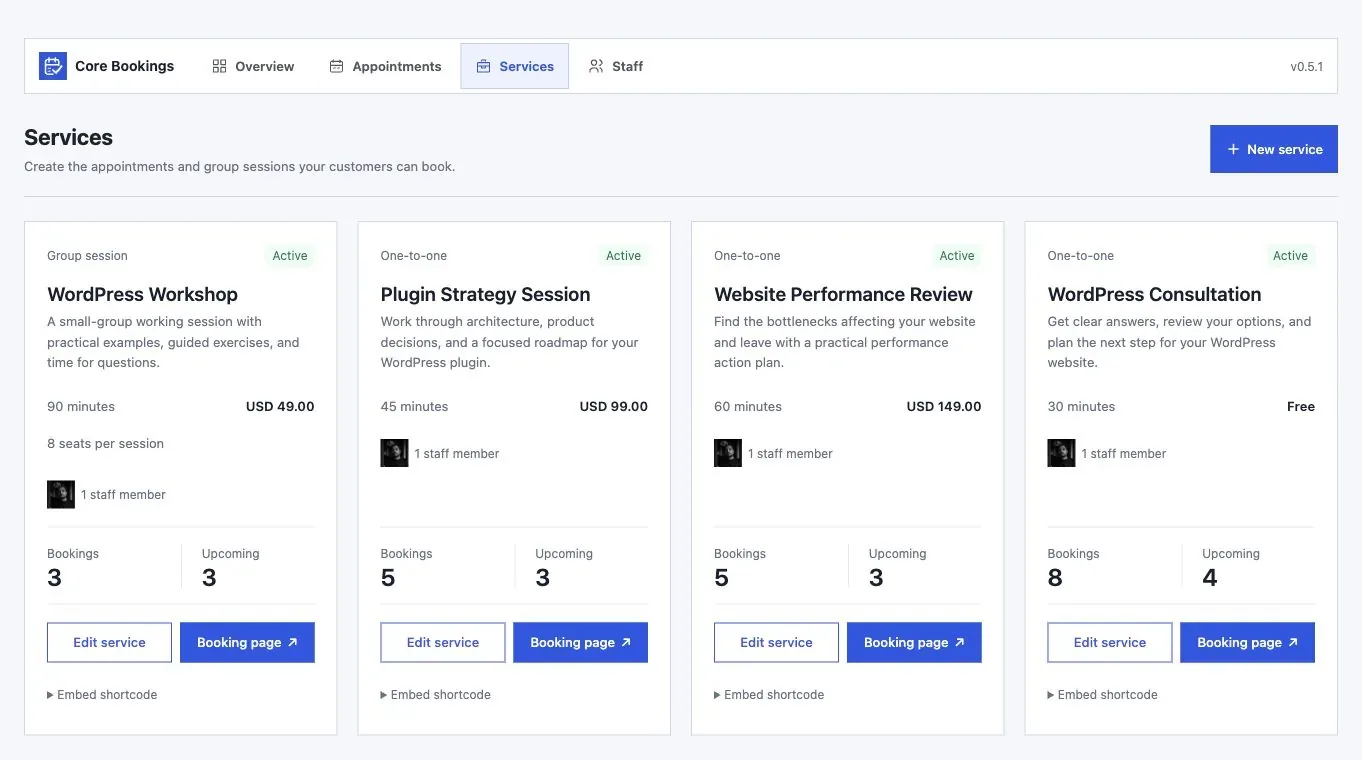
See Core Bookings
Select any screen to see it at full size.
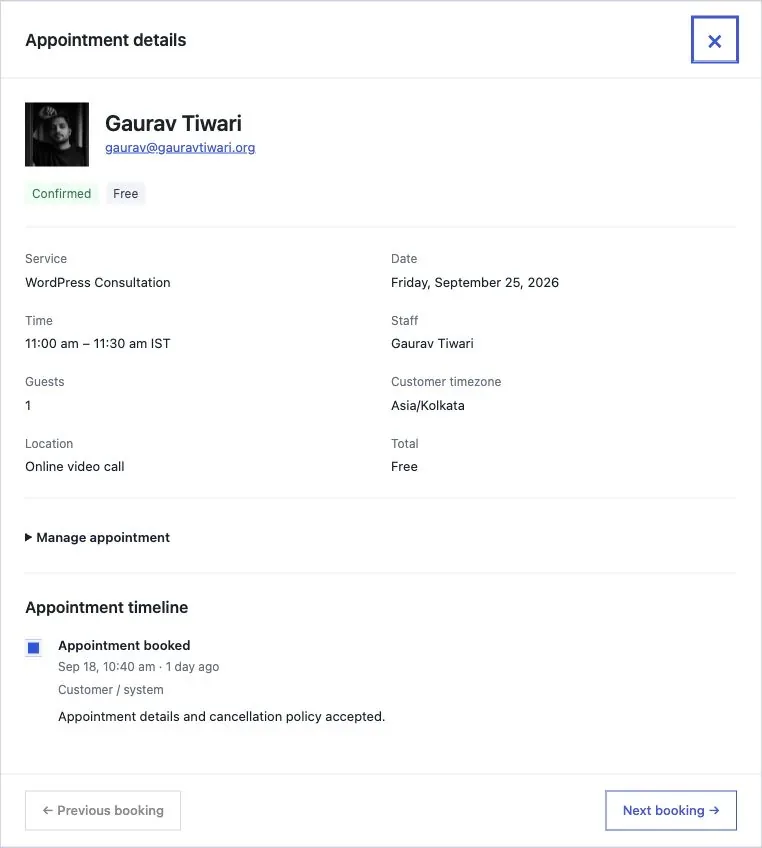
How It Works
Create a Service
Set the duration, staff, capacity and payment rules for the session you sell.
Set Availability
Add working hours, buffers and notice periods, then connect the staff calendars you use.
Publish It
Add the Core Bookings block to a page or share the standalone service link.
Core Bookings Pricing
Checkout, your license and your downloads are handled on gauravtiwari.org.
Lifetime
$99
One payment
- Unlimited client sites
- All 19 built-in modules
- Lifetime updates
- Product support
Yearly
$39
Per year
- Unlimited client sites
- All 19 built-in modules
- Updates while active
- Product support while active
Prices are in USD. Checkout may show your local currency. 14-day money-back period on both licenses.
How do I add bookings to my website?
Create a service, assign staff and set availability. Then add the Core Bookings block to a page or share the service link. The native booking form needs no custom code.
Will the booking form match my theme?
Yes. It keeps your theme’s fonts, and you can adjust the text, colors, spacing and fields in the block editor.
Can customers reschedule or cancel?
Yes. Customers use private links to change an appointment within your cutoff, and they can sign in by email to see their history, payments and pack credits.
Can I move from Calendly or Acuity?
Yes. You can map and preview a CSV import of existing appointments from Calendly, Acuity or another service.
Start Taking Bookings on Your Own Site
Set up 1 service, try the booking flow on the demo, and add more once the first one runs the way you want.