
GT DeepSeek Free AI Connector for WordPress
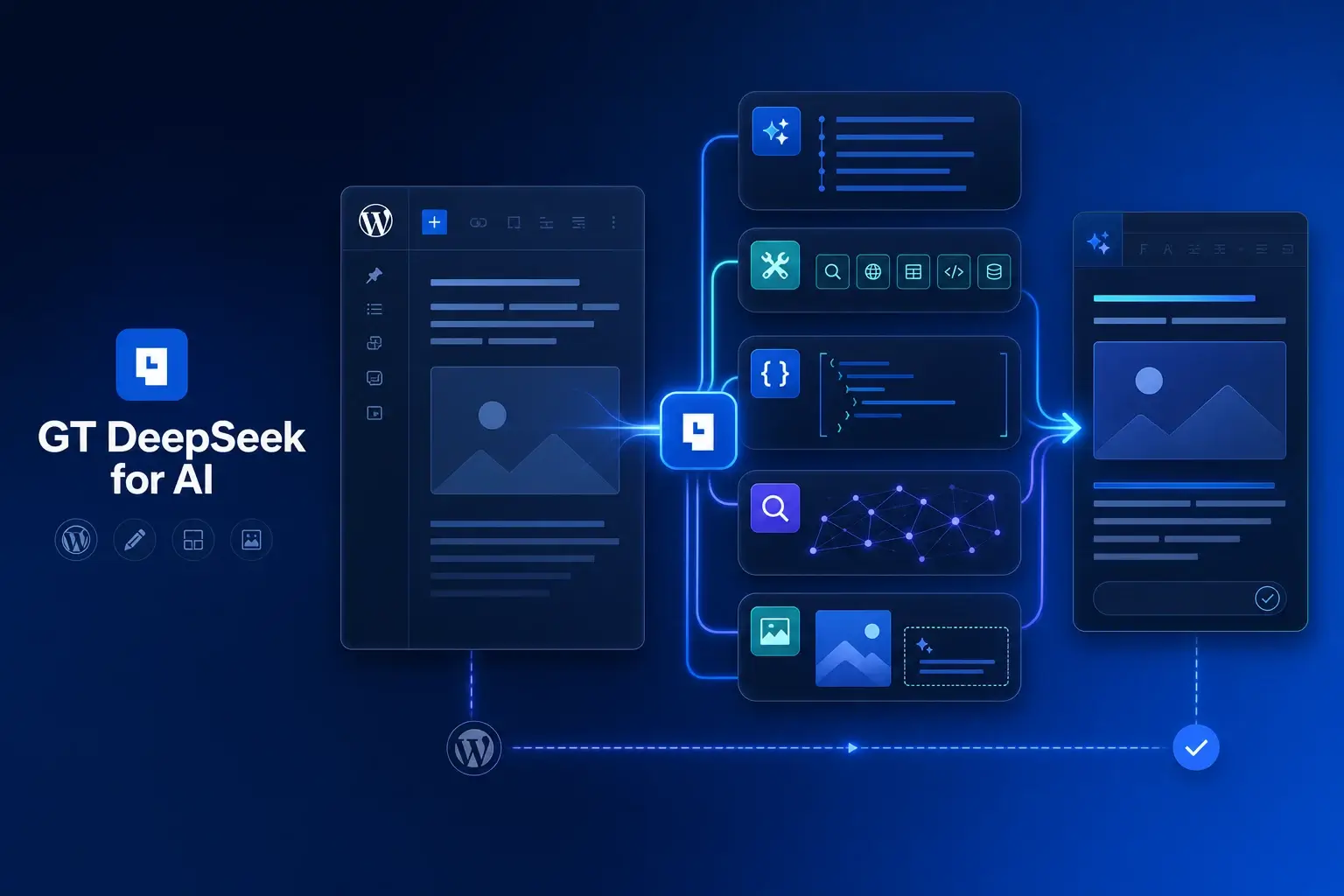
Connect WordPress text workflows to DeepSeek.GT DeepSeek for AI is a WordPress connector for text generation, reasoning, tools, and structured editorial work through DeepSeek. It registers a distinct provider for the WordPress AI Client and uses your own API key rather than a bundled hosted proxy.
The important choice is the job you need to finish. A readable answer, schema-bound data, an internal-link suggestion, and a metadata update have different requirements. The connector exposes focused capabilities so your workflow can request the right output and keep unsupported inputs visible.
Purchases and downloads are handled by gauravtiwari.org.
- Platform
- WordPress
- Download & Account
- gauravtiwari.org
What GT DeepSeek for AI Does
Choose the capabilities that support your actual workflow. Each has a different job to do.
Reasoning and Structured Results
The connector preserves supported reasoning content, final text, metadata, and function tool calls. Structured workflows can request JSON Schema output through the appropriate adapter. Choose the supported model and route for the task instead of assuming every endpoint has identical capabilities.
Editorial Abilities
Permission-aware WordPress abilities cover voice rewriting, slop scanning, internal-link suggestions, ACF FAQs, research, Rank Math metadata, and image ALT suggestions. Internal-link ranking uses published WordPress content locally; the exact task determines what is sent to the AI provider.
Evidence-Based ALT Suggestions
ALT suggestions use stored evidence such as filenames, captions, descriptions, and post context. This is not image understanding. Weak or conflicting evidence should produce an empty result rather than a confident description of something the model has not seen.
A Structured Publishing Task
Suppose an editor needs FAQ candidates for a technical guide. Provide the relevant article text, request the supported structured output, and review whether each question is answered by that material. A syntactically valid block can still contain a bad answer, so structure and editorial accuracy need separate checks.
For an image, compare the suggested ALT with what the image actually shows. A filename such as final-banner gives little useful evidence; a clear caption and parent article can improve context, but neither turns a text request into visual inspection.
Use the connector to reduce repetitive transformation work while keeping a person responsible for meaning. That is especially important for prices, compatibility, policies, and other details where a fluent answer can quietly change a material claim.
A useful automation has a clear input, a constrained output, and a person who can reject the result.
How to Get Started
Start with a staging copy and a representative task, then extend the setup once the complete path makes sense.
Choose a Supported Task
Identify whether you need text, tools, structured JSON, search, or a WordPress editorial ability. Check the current documentation for the matching adapter.
Install and Connect
Obtain the plugin, activate it, and add your own DeepSeek credentials through the WordPress connector settings.
Limit the Input
Supply only the content and permissions needed for the task. Avoid sending private information merely to make a prompt longer.
Review Before Applying
Inspect the answer, citations where present, and structured fields. Confirm the intended post or media item before any saving action.
Before You Go Live
Use these checks for the parts of the workflow this product affects.
- Treat schema validation as a format check, not a fact check.
- Do not describe context-assisted ALT as vision.
- Keep API usage charges separate from the plugin license.
- Confirm the current model supports the capability your workflow requests.
Is It Right for Your Site?
Consider the working requirements alongside the design or feature list.
When It Fits
This connector fits WordPress developers and editorial teams building text-oriented AI workflows around the WordPress AI Client and Abilities API. It is useful when you want provider access and focused WordPress actions without giving up control of the surrounding workflow.
Know the Limits
It does not generate images or accept image inputs for visual understanding. Some capabilities are adapter-specific. AI responses still require editorial review, and provider availability, model behavior, and API billing remain outside the plugin license.
Requirements
Use the WordPress AI components and PHP/WordPress versions required by the current package. A working DeepSeek API account and key are required for provider calls. Rank Math actions need the relevant SEO setup, and ACF output needs a compatible destination.
Download and License Details
The plugin is offered free with a lifetime store update license. Obtain the package through gauravtiwari.org; DeepSeek API calls are billed separately by the provider. Check the current model and setup documentation before integrating an automated workflow.
Gatilab explains the product and its practical use. The original product page on gauravtiwari.org handles the current offer, checkout or installation route, account access, and product support.
GT DeepSeek source and documentation
Need help implementing the site around it? Explore Gatilab’s custom WordPress plugin development services. Implementation work is separate from the product download or license.
Common Questions
A few remaining details before you choose the product.
Is the API included with the free plugin?
No. The plugin connects WordPress to your own DeepSeek account. Provider calls can incur usage charges even though the software download is free.
Can it understand the contents of an image?
No. The ALT workflow uses text evidence already stored in WordPress. It is explicitly a non-vision workflow and should not guess when evidence is insufficient.
Can another DeepSeek connector remain installed?
The provider uses the distinct gt-deepseek identifier. That avoids pretending to be another connector, but you should still choose deliberately which provider each workflow calls.
Connect Your Editorial Workflow
Choose a focused text task, read the current adapter requirements, and start with a result you can inspect.
Continue to the original product page for the current offer and next steps.