
Bismuth Free WordPress Theme for Law Firms
Help visitors find the practice and the person.Bismuth is a free hybrid WordPress theme for law firms and professional practices. It provides structured layouts for practice areas, people, lawyer profiles, articles, and contact information, with page content edited through the WordPress Block Editor.
A professional website needs to answer two related questions: can this practice help with my situation, and who should I speak to? Bismuth gives those questions separate, connected paths. The result depends on clear descriptions and accurate profiles rather than decorative claims about trust.
Purchases and downloads are handled by gauravtiwari.org.
- Platform
- WordPress
- Download & Account
- gauravtiwari.org
What Bismuth Does
Choose the capabilities that support your actual workflow. Each has a different job to do.
Practice and People Layouts
Use ordinary WordPress pages for the firm, its areas of work, and the people responsible for them. Full-page patterns provide a starting structure, while individual sections support introductions, service expectations, and contact routes.
Classic Structure With Block Content
PHP templates own the page frame, and the Customizer handles site identity, menus, palette, and the header action. Editors work with core blocks inside the page. This suits teams that prefer a conventional theme structure over Full Site Editing.
Restrained Visual Choices
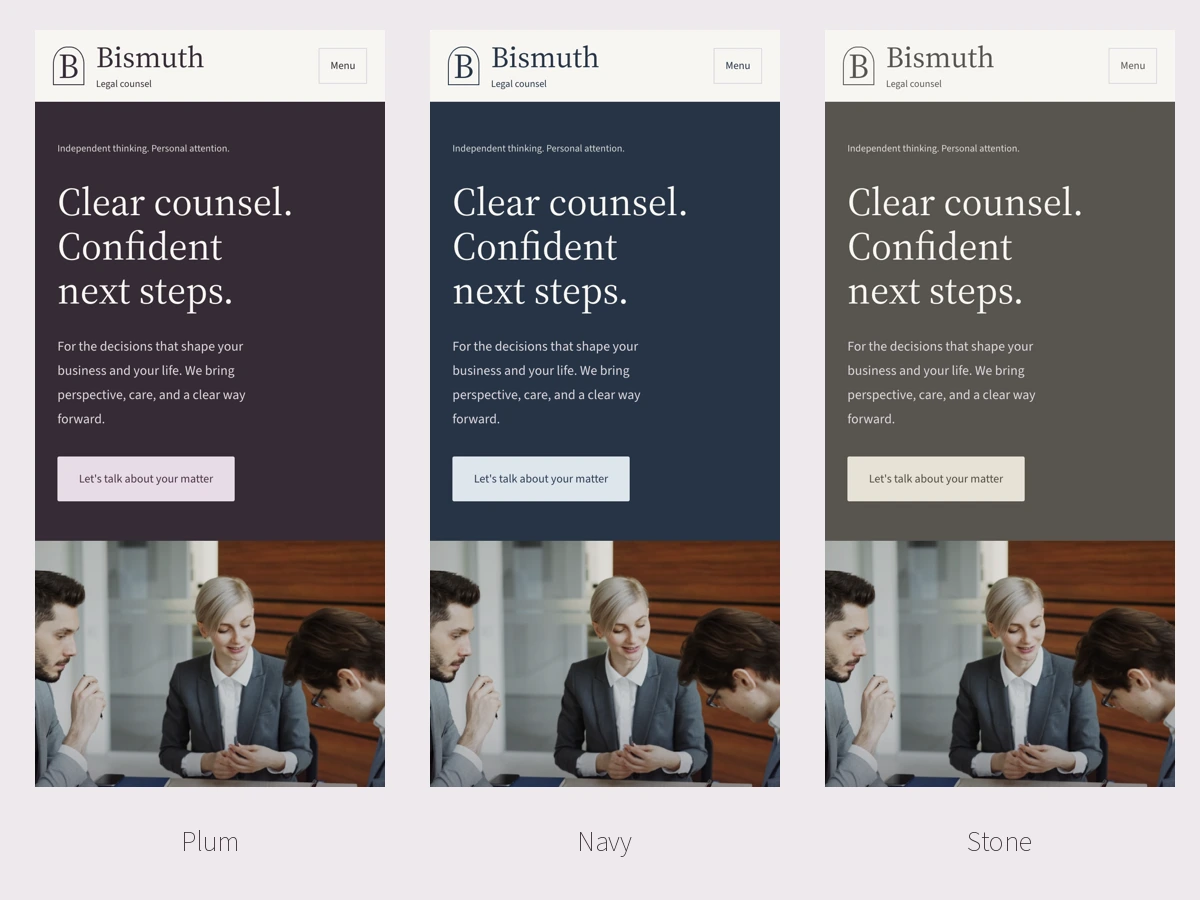
Plum, Navy, and Stone offer different palettes while keeping the overall presentation quiet. Source Serif 4 and Source Sans 3 are bundled locally, including italic styles. The design gives long names, detailed descriptions, and professional biographies room to remain legible.
Theme Layouts
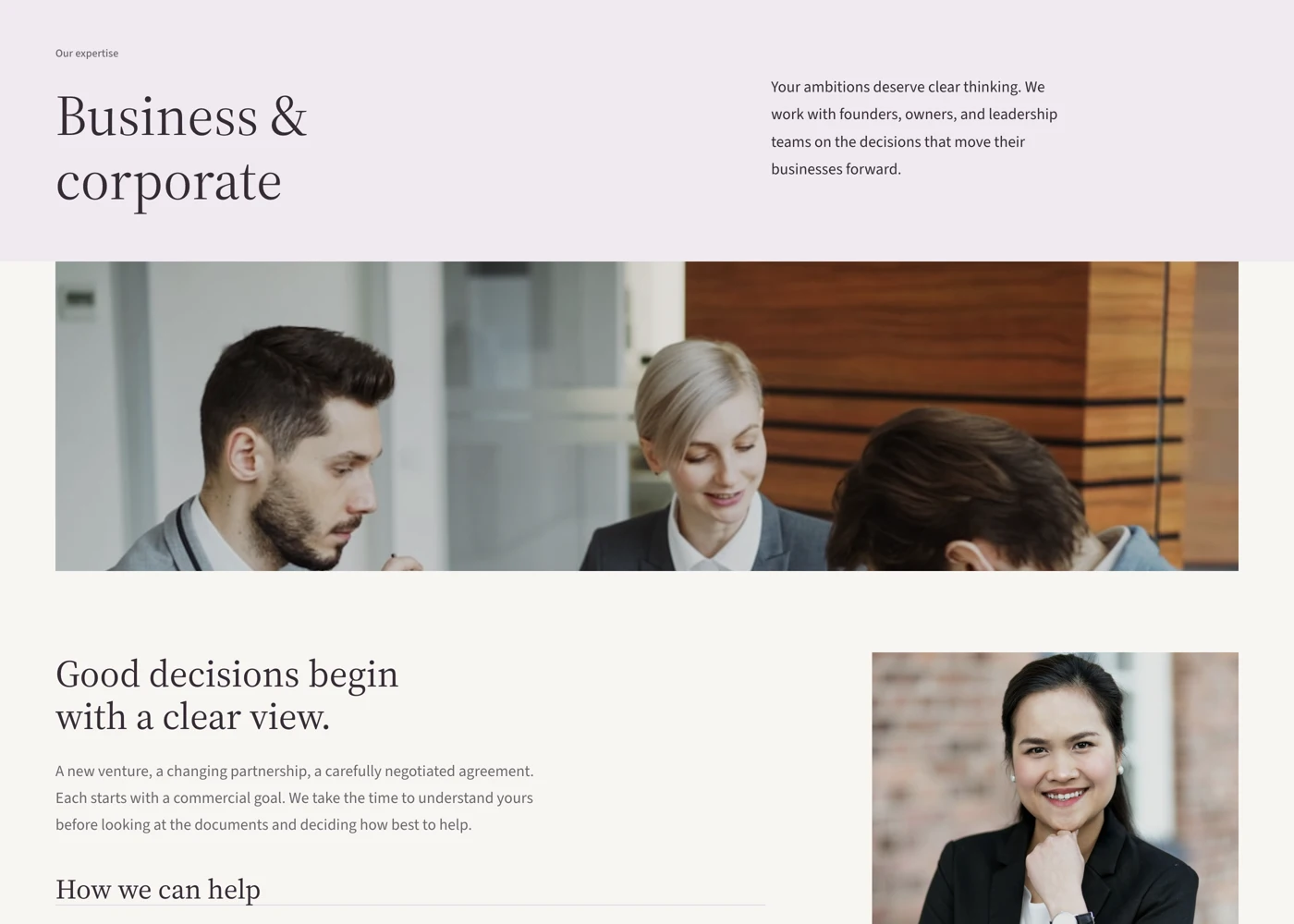
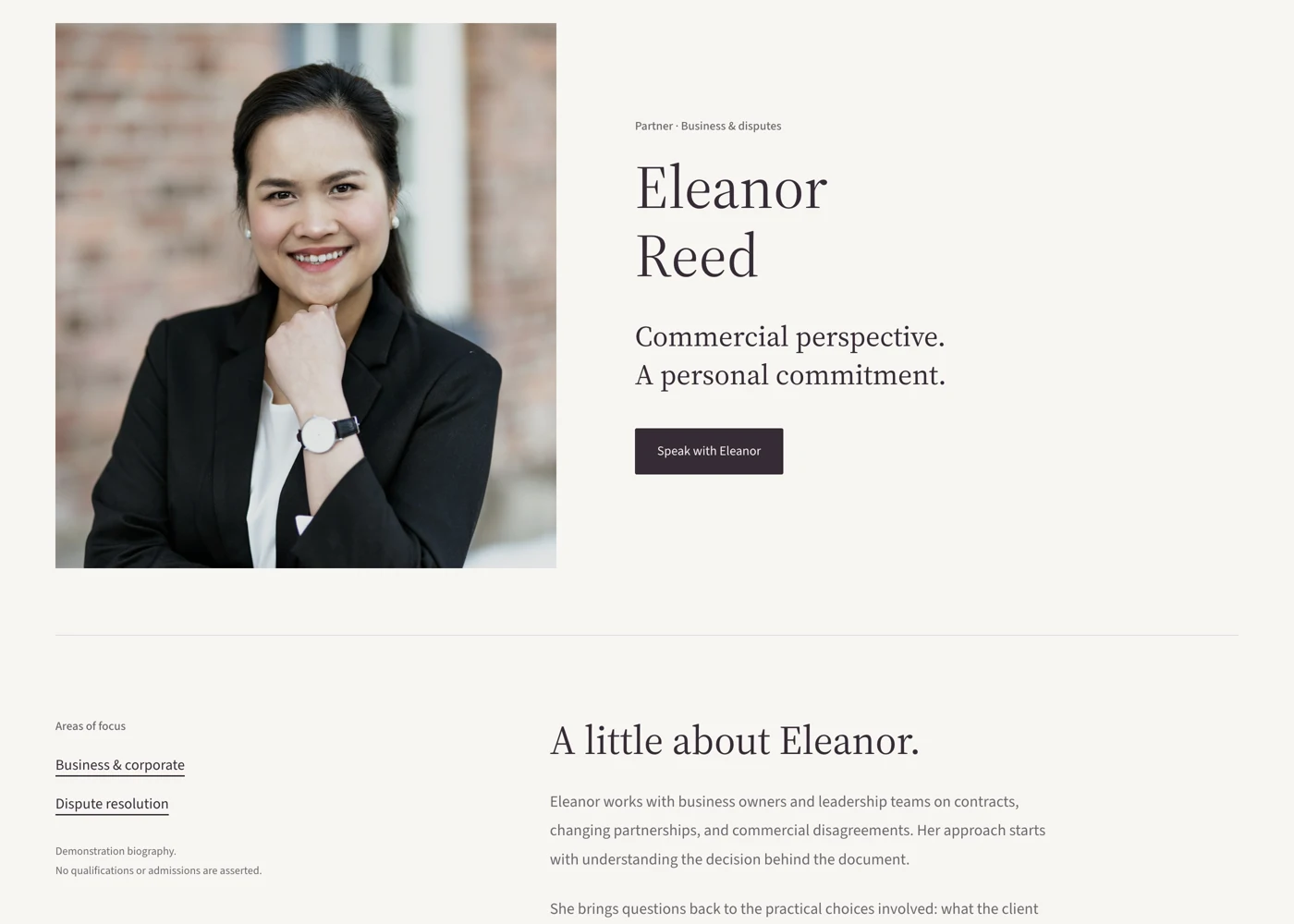
Select an image to view it at full size.
Connecting a Practice Area to the Right Person
Imagine a firm organizing a business services section. Create a practice page that explains the types of matters handled, the information a visitor should prepare, and the appropriate contact route. Avoid treating a list of technical terms as a substitute for explaining the work.
Link the relevant person or team through a profile that identifies their actual role and experience. Keep the wording consistent with the firm’s own review requirements, and use current photographs that the firm has permission to publish. Demo names and portraits are presentation examples, not material to leave on a live professional site.
The contact page should explain how an initial enquiry is handled. If you add a form, connect it to a working plugin and choose fields appropriate to that first contact. The theme cannot decide your firm’s intake or confidentiality policy for you.
The useful trust signal is a visitor understanding the work, the people, and the next step.
How to Get Started
Start with a staging copy and a representative task, then extend the setup once the complete path makes sense.
Install the Theme on Staging
Obtain the current free package and review it with the firm’s existing content before changing a live site.
Set the Firm Identity
Use the Customizer for the logo, menus, palette, and header action. Choose an action label that matches the real next step.
Create the Core Pages
Choose the Full page template, insert the appropriate patterns, and replace every sample name, image, and link. Set the homepage under Settings > Reading.
Connect the Contact Workflow
Install and configure the chosen form solution if needed. Confirm recipients and the confirmation message, then review the complete enquiry route.
Before You Go Live
Use these checks for the parts of the workflow this product affects.
- Keep practice descriptions and professional profiles accurate.
- Replace all fictional demonstration content.
- Use authorized photographs instead of assuming demo media is included.
- Have the firm review intake wording and published professional claims.
Is It Right for Your Site?
Consider the working requirements alongside the design or feature list.
When It Fits
Bismuth fits law firms and professional practices that want a conventional WordPress theme frame with editable block-based pages. It is useful when the information architecture centres on expertise, people, and an initial conversation.
Know the Limits
Bismuth is not a case-management system, client portal, or legal intake service. It uses the Customizer rather than Full Site Editing. The theme ZIP uses image placeholders, and the demonstration form does not send or store enquiries.
Requirements
Requires WordPress 7.0 or newer and PHP 7.4 or newer. A working enquiry form needs a separate form plugin. Review the theme and your chosen plugins on staging before a live switch.
Download and License Details
Bismuth is free under GPL-2.0-or-later and can be used on multiple sites. Complete the free checkout on gauravtiwari.org for the current package. Its included automatic-update route does not require a license key.
Gatilab explains the product and its practical use. The original product page on gauravtiwari.org handles the current offer, checkout or installation route, account access, and product support.
Need help implementing the site around it? Explore Gatilab’s WordPress development services. Implementation work is separate from the product download or license.
Common Questions
A few remaining details before you choose the product.
Is Bismuth a block theme?
It is a hybrid theme. Page content uses core blocks, while classic PHP templates and the Customizer handle the surrounding site structure and settings.
Are the demo lawyers and photographs included?
The demonstration content is fictional, and the theme package uses image placeholders. Supply the firm’s own approved profiles and photographs.
Will the contact pattern receive enquiries?
Only after you connect a working form or other contact route. The theme provides the layout and styling, not the submission and delivery service.
Build a Clearer Practice Website
Start with one practice area and its responsible team, then make the route to an initial conversation easy to follow.
Continue to the original product page for the current offer and next steps.