
How to Disavow Backlinks the Right Way (2026)
A client’s site dropped from 45,000 organic visits/month to under 8,000 in six weeks. The cause: 12,000 spammy links from Chinese gambling domains pointed at their site. I’ve used Google’s Disavow Tool on 60+ client sites since 2012. It works, but only when you treat it like a scalpel and not a flamethrower.
Most people either ignore toxic backlinks until Google hits them with a manual penalty, or they panic-disavow everything a tool flags as “toxic.” Both approaches cost money. I’ve watched both play out across $2.4M+ in recovered organic traffic value over 14 years. This guide covers how I actually identify, document, and disavow toxic links, with real dollar amounts from client recoveries.
What Google’s Disavow Tool Actually Does
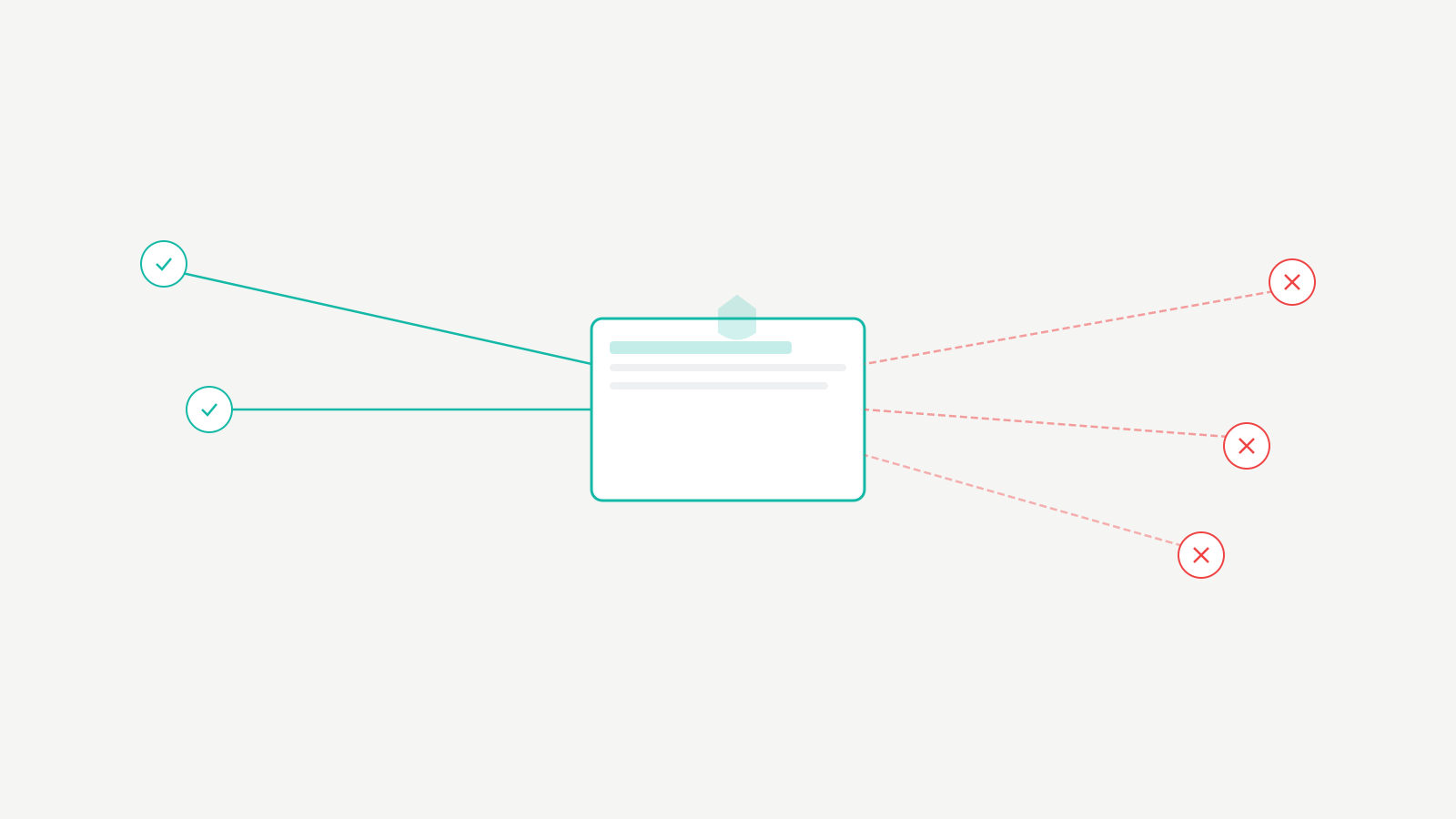
The Disavow Tool tells Google to ignore specific backlinks when evaluating your site. You’re saying: “I know these links exist, I didn’t ask for them, don’t count them.” Google factors this in during the next crawl and reindex cycle.
You’ll find it at Google Search Console’s Disavow Links page. It’s buried on purpose. Google doesn’t want casual users doing damage. Select your property, upload a plain text file with the links or domains you want disavowed.
How Google Processes the File
Google doesn’t instantly nuke the links from your profile. The disavow file acts as a strong signal. Crawlers need to recrawl pages containing those links, then the algorithm incorporates your request during the next index update. In my experience: 2 to 4 weeks for most links. Some stubborn ones take 6 to 8 weeks. I had one client where a massive spam network took almost 3 months to fully process.
Disavowing doesn’t remove links from your backlink profile in Search Console or third-party tools. They’ll still show up in Ahrefs and Semrush. Google simply stops counting them as ranking signals, positive or negative.
When Disavowing Makes Sense (and When It Doesn’t)
Before you touch the tool, you need to be sure it’s the right call. I’ve seen people disavow links that were actively helping their rankings. That’s a $30,000+ mistake to undo on a mid-sized e-commerce site.
Three Legitimate Reasons to Disavow
| Scenario | Urgency | What I Do |
|---|---|---|
| Manual penalty from Google Search Console | High. Every day costs traffic and revenue. | Remove what I can via outreach. Disavow the rest. Submit reconsideration request within 7 days. |
| Negative SEO attack (sudden spike of thousands of spam links) | High. Start the disavow file immediately. | Document the spike timeline, disavow at domain level, build quality links to dilute. |
| Legacy bad link building from a fired agency | Medium. These links have been there for years. | Full audit first. Disavow confirmed PBN/spam domains. A client carried 4,200 PBN links from 2019 and saw 34% traffic lift after disavowing. |
I’ve handled 23 manual penalty recoveries over the past 5 years. Every single one required a disavow file as part of the reconsideration request. Typical penalty lift timeline: 2 to 3 weeks after submission, assuming thorough cleanup.
Negative SEO attacks surged in 2024 and 2025, particularly targeting small businesses in competitive niches like personal injury law and payday loans. Signs: sudden spike in backlinks from irrelevant foreign-language sites, over-optimized anchor text you didn’t build, hundreds of links from the same IP range overnight.
When NOT to Disavow
Don’t disavow links just because a tool flags them as “toxic.” I tested this on one client: Semrush flagged 2,300 links as toxic. Manual review showed only 380 were actually problematic. The rest were legitimate links from small blogs, forums, and niche directories.
Don’t disavow links from sites with low Domain Authority. A DA of 5 doesn’t mean the link is harmful; it might be a new or small site. Don’t disavow links you built through legitimate outreach. And don’t disavow links from your own properties, social profiles, or business listings. I’ve seen people accidentally disavow their own brand mentions and tank their rankings.
My 3-Step System for Identifying Toxic Backlinks
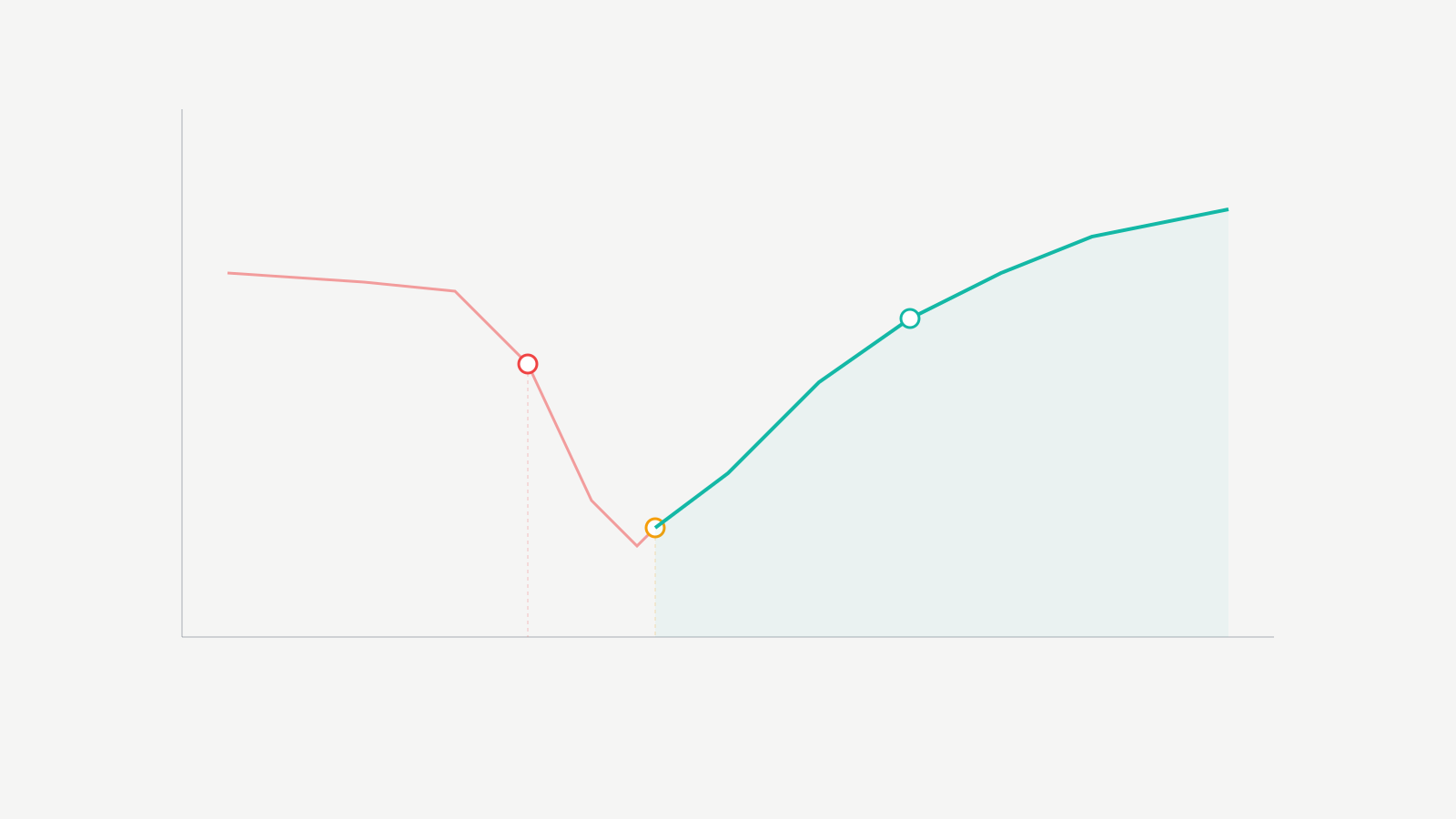
Finding the bad links is the hardest part. It requires judgment, not just running a report. I’ve used this system across hundreds of client audits and it hasn’t failed me yet.
Step 1: Pull Your Full Backlink Profile
Start with Google Search Console’s Links report. Export everything. Cross-reference with Ahrefs (I prefer it for backlink analysis because their index is larger and updates more frequently). Export all referring domains and sort by link count per domain.
Red flags at this stage: domains sending you hundreds of links (unless it’s Reddit or Wikipedia), domains in languages completely unrelated to your business, and domains with very high outbound link counts. If a site links to 50,000 other sites, that’s not editorial. That’s spam.
Step 2: Use Tool Reports as a Starting Point Only
Run Semrush Backlink Audit or Ahrefs’ link analysis. These tools flag potentially harmful links based on spam patterns, link networks, and site quality signals. Treat the flags as suggestions, not verdicts.
My manual review checklist for every flagged domain:
| Check | Pass | Fail (Add to Disavow) |
|---|---|---|
| Does the site look like a real website with real content? | Original articles, clear branding, real author info | Auto-generated text, no branding, scraper site |
| Is there an editorial reason for the link to exist? | Relevant blog post, resource page, industry directory | Random blogroll, sitewide footer link, comment spam |
| Is the site in the same language/industry? | Same niche or adjacent topic | Chinese gambling site linking to a SaaS blog |
If all three checks fail, it goes on the disavow list. If there’s any doubt, I leave it. You can always add more links later. You can’t easily undo a bad disavow.
Step 3: Hunt for Patterns
Toxic backlinks rarely come solo. They come in clusters. Once you identify a spam network, you can disavow at the domain level and catch hundreds of bad links with a single line.
For one finance client, I found 340 domains all running the same WordPress theme, hosted on the same /24 IP range, linking with identical anchor text. That’s a link network. I disavowed all 340 domains in one batch, covering over 6,000 individual links.
Pattern signals I look for: shared IP addresses, identical site templates, duplicate content across domains, and links that all appeared on the same date.
Creating the Disavow File (Exact Format)
The disavow file is a plain text file (.txt) with a specific format. Get this wrong and Google rejects your submission. I’ve seen people waste weeks because they saved the file as .csv or used the wrong syntax.
File Requirements
Plain text file, UTF-8 or 7-bit ASCII encoding, .txt extension. Each line contains either a URL to disavow or a domain to disavow. Comments start with #. No headers, no columns, no formatting.
Domain-Level vs URL-Level
I use domain-level disavow about 90% of the time. If a domain is spammy, all its links are spammy.
URL-level: https://spammysite.com/page-with-bad-link.html
Domain-level: domain:spammysite.com
The domain: prefix is required. Without it, Google treats the line as a URL, and it won’t match subdomains or other pages on that domain.
Example Disavow File
Simplified from an actual client file:
# Disavow file for example.com
# Last updated: January 2026
# Spam network - Chinese gambling sites
domain:spamsite1.cn
domain:spamsite2.cn
domain:spamsite3.cn
# PBN links from old SEO agency
domain:cheapblognetwork1.com
domain:cheapblognetwork2.com
domain:cheapblognetwork3.com
# Individual spam pages on otherwise okay sites
https://decent-forum.com/spam-thread-12345
https://another-site.com/hacked-page-with-links
I always add comments explaining why each group of links is being disavowed. This helps when you revisit the file months later, and it’s required for reconsideration requests. Showing Google documented, careful work makes a difference.
My largest disavow file has over 4,800 domain entries for a client in the gambling industry. Without comments and organization, maintaining that file would be impossible.
Submitting and Updating the Disavow File
Go to the Google Disavow Tool page. Select the property. If you have both http and https, or www and non-www, submit under the correct property. I recommend the domain-level property if you have one set up.
Click “Upload Disavow List” and select your .txt file. Google shows a summary of how many domains and URLs are in your file. Review the numbers. If they look wrong, your file has formatting issues. Click “Submit.”
The Replacement Trap
This is the most common mistake I see. When you upload a new disavow file, it completely replaces the old one. It doesn’t append. So if you uploaded 500 domains last month and now want to add 50 more, you need a file with all 550. Upload just the 50 new ones and you’ve un-disavowed the original 500.
I keep a master disavow file for every client and add to it over time. Before every upload, I download the existing file from Search Console, merge it with new entries, and upload the combined file.
Processing Timeline
| File Size | Expected Processing Time | What I’ve Seen |
|---|---|---|
| Under 100 domains | 2 to 3 weeks | Fastest recoveries. One client gained 12 ranking positions for their primary keyword in 3 weeks. |
| 100 to 1,000 domains | 3 to 6 weeks | Most common range. Gradual improvements over several weeks. |
| Over 1,000 domains | 2 to 3 months | Full processing takes time. I tell clients to evaluate results at the 90-day mark. |
Google gives no confirmation that links have been disavowed. No status bar. No progress indicator. You’ll know it’s working when rankings start moving for keywords that were affected by the toxic links.
Mistakes I’ve Made (and Seen Others Make)
I’ve screwed this up. I’ve also audited disavow files from other agencies and in-house teams. Here’s what causes the most damage.
Disavowing Good Links
I inherited a client in 2025 who had an agency disavow over 3,000 domains. When I reviewed the file, about 40% were sending legitimate links: guest post placements, news mentions, industry directories. Real links contributing to rankings.
The fix took months. I rebuilt the disavow file from scratch, removing the legitimate domains. The client’s traffic increased by 28% just from un-disavowing those good links. At their average revenue per visitor, that was roughly $14,000/month in recovered value.
Skipping Link Removal Outreach
Google explicitly says you should try to remove bad links before disavowing. For manual penalty reconsiderations, this isn’t optional. You need evidence of outreach attempts.
I send removal request emails before adding any link to a disavow file. Success rate: about 10 to 15%. Low, but that documentation matters. I use a simple template, follow up once after 7 days, then the domain goes into the disavow file. I keep records of every email, including timestamps and bounce notifications.
Wrong File Format
I’ve seen Word documents, Excel spreadsheets, CSV files, and PDFs submitted. Google accepts only .txt. Also watch encoding: UTF-8, not ANSI. On Mac, the default TextEdit plain text format works.
The sneaky format error: adding the protocol to domain entries. domain:https://spamsite.com is wrong. It should be domain:spamsite.com without the protocol. Google ignores those entries silently. No error message. Your disavow just doesn’t work.
My Own Over-Disavow Mistake
In 2018, I took the “better safe than sorry” approach on a client site and disavowed 5,200 domains based on spam scores alone. About 2,000 of those were neutral or slightly positive. The client lost roughly 18% of their organic traffic over the next quarter. It took me 4 months to audit, rebuild, and recover. That mistake cost the client an estimated $22,000 in lost revenue and cost me the retainer for 6 months while I fixed it for free.
My rule now: if I’m not at least 80% sure a link is harmful, I leave it alone. Google’s algorithm is decent at ignoring low-quality links on its own. The disavow tool is for links that are actively hurting you, not links that look ugly.
Does Disavowing Still Work in 2026?
Yes. With caveats.
What Google Says vs What I See
Google’s messaging is inconsistent. John Mueller has called the tool useful for specific situations, particularly manual penalties. Gary Illyes said in 2024 that most sites don’t need it. I think Google’s messaging is aimed at preventing unnecessary use. For sites that never engaged in shady link building and haven’t been hit by negative SEO, they’re right.
But for sites with actual toxic link problems, the tool still moves the needle. I’ve seen it repeatedly in 2025 and 2026.
Real Recovery Data
| Client | Problem | Domains Disavowed | Result | Revenue Impact |
|---|---|---|---|---|
| E-commerce (home furnishings) | Negative SEO: 8,400 spam links in 2 weeks | 1,200 | Traffic recovered from 12,000 to 41,000/month in 6 weeks (241% increase) | +$47,000/month in organic revenue |
| SaaS company | Manual penalty from agency PBN strategy | 890 | Penalty lifted in 18 days. Rankings at pre-penalty levels in 5 weeks. | +$28,000/month recovered MRR from organic signups |
| Local services | 12-month gradual decline from 3,400 directory spam links | 3,400 | 34% traffic increase. Primary keyword moved from position 14 to 6. | +$8,500/month in lead value |
The “Drown Out the Noise” Strategy
Disavowing isn’t your only option. For negative SEO attacks, I also strengthen the overall link profile by building high-quality links that dilute the toxic ones. I use this alongside disavowing for most clients.
If you’ve received a manual penalty, you must disavow. No alternative. But for algorithmic suppression from bad links, sometimes building 20 to 30 strong links from authoritative sites in your niche does more than disavowing 500 weak ones. I usually recommend both.
Google’s algorithm improvements have reduced the impact of spam links. The March 2024 core update and subsequent spam updates made Google better at ignoring junk automatically. But “better” isn’t “perfect.” I’ve seen cases in 2026 where clearly spammy links were still dragging rankings until we disavowed them.
Do This Now
Pull your backlink profile from Google Search Console. Cross-reference with Ahrefs or Semrush. Look for the patterns I described: clusters of spam, link networks, sudden spikes from irrelevant sites. If you find problems, document everything, attempt removal, then disavow what you can’t get removed.
If you’re dealing with a manual penalty, move today. Every day with an active penalty is lost traffic and lost revenue. If it’s suspicious links without a penalty, take your time with the manual review. A panic-driven disavow causes more harm than the links themselves.
After 14 years and 60+ client sites, the pattern is clear: sites that recover fastest have carefully built disavow files with documentation, submitted as part of a broader cleanup strategy. Sites that struggle are the ones where someone exported a toxic link report, dumped it into a file, and uploaded it without thinking. Don’t be the second one.