
Pre-Launch SEO Checklist: 10 Tasks Before Your Website Goes Live
You spent months building the site. Don’t launch it without spending two hours on SEO. These 10 tasks take a single afternoon and prevent months of ranking problems. Most sites skip at least three of them. Then they wonder why Google hasn’t indexed their homepage six weeks after launch.
This isn’t a 50-point checklist padded with obvious advice. It’s 10 tasks, in priority order, with exact specifications. Do them before you flip the switch.
Quick-Reference: All 10 Tasks at a Glance
| # | Task | Priority | Time |
|---|---|---|---|
| 1 | Set canonical URLs (www vs non-www, HTTPS) | Critical | 15 min |
| 2 | Configure robots.txt | Critical | 10 min |
| 3 | Submit XML sitemap to GSC and Bing | Critical | 10 min |
| 4 | Write unique title tags and meta descriptions | Critical | 30-60 min |
| 5 | Set up proper heading hierarchy | Critical | 20 min |
| 6 | Optimize URL structure | Important | 15 min |
| 7 | Install and configure analytics (GA4 + GSC) | Critical | 20 min |
| 8 | Test Core Web Vitals | Important | 30 min |
| 9 | Implement schema markup | Important | 20 min |
| 10 | Set up 301 redirects for old URLs | Situational | 15-30 min |
Tasks marked Critical will directly block indexing or split your ranking signals if skipped. Do those first, no exceptions.
The 10 Tasks
1. Set Canonical URLs (www vs Non-www, HTTPS Enforcement)
Your homepage can be reached at four different URLs: http://example.com, http://www.example.com, https://example.com, and https://www.example.com. To Google, all four are separate pages unless you tell it otherwise. That splits your link equity four ways and creates duplicate content signals before a single visitor arrives.
Pick one canonical version and enforce it with 301 redirects at the server level. In Nginx, that’s a server block redirect. Don’t rely on WordPress’s built-in URL settings alone; they don’t always catch every entry point. Verify the redirect chain is one hop, not two.
Once redirects are live, add a rel="canonical" tag to every page pointing to its own HTTPS version. Rank Math handles this automatically after you set your preferred URL in WordPress Settings. Confirm by viewing source on three or four pages. This takes 15 minutes and prevents a class of indexing problems that’s genuinely hard to diagnose after launch.
2. Configure robots.txt
Your robots.txt sits at yourdomain.com/robots.txt. Googlebot reads it before crawling anything. A misconfigured file can block your entire site from indexing or expose pages you never intended to be crawled.
Clean baseline:
User-agent: *
Disallow: /wp-admin/
Disallow: /?s=
Allow: /wp-admin/admin-ajax.php

Sitemap: https://yourdomain.com/sitemap.xml
Check your final robots.txt using Google Search Console’s robots.txt tester before launch. One stray Disallow: / line and your entire site is invisible to crawlers.
3. Submit Your XML Sitemap to Google Search Console and Bing
A sitemap doesn’t guarantee indexing. What it does is give crawlers a complete map of your URLs so they don’t have to discover everything through internal links. For new sites with no backlinks, this matters more than most people realize.
WordPress plugins like Rank Math generate sitemaps automatically at /sitemap_index.xml. Verify it only lists pages you want indexed. Submit inside GSC under Index → Sitemaps. Do the same in Bing Webmaster Tools — Bing powers DuckDuckGo’s organic results. Check back in 48-72 hours. A large gap between discovered and indexed URLs is your first signal something else is wrong.
4. Write Unique Title Tags and Meta Descriptions for Every Page
Title tags are still the single most direct on-page ranking signal in 2026. Google rewrites titles 60-70% of the time, but that’s not a reason to skip them. When your title, H1, and content all reinforce the same target keyword, rewrites tend to stay aligned.
Keep titles under 60 characters. Include the primary keyword near the front. Meta descriptions don’t directly influence rankings, but they influence click-through rate. Keep them under 155 characters and make them earn the click.
Every page needs a unique title and description. Duplicates across 20 pages tell Google you’re not sure what each page is about. This is part of solid on-page SEO practice that compounds over time.
5. Set Up Proper Heading Hierarchy
One H1 per page. Not negotiable. The H1 should match or closely echo the title tag. After that, H2s mark major sections, H3s mark subsections. Don’t skip levels. Don’t use H2s as styling choices.
Common mistakes: multiple H1s from theme templates, heading levels jumping from H2 to H4, decorative sections marked as H2 because someone wanted big text. Fix all of these before launch. Use a browser extension like HeadingsMap to audit every template type.
6. Optimize URL Structure
URLs should be short, human-readable, and keyword-rich. /services/wordpress-maintenance/ beats /page-id=4823/ in every measurable way.
Avoid dates in URLs for evergreen content. /2021/03/best-seo-plugins/ looks stale in 2026 even if you update it. Use /best-seo-plugins/ instead. In WordPress, go to Settings → Permalinks, choose “Post name.” Get it right before launch — changing URLs after launch requires redirects that accumulate technical debt.
7. Install and Configure Analytics (GA4 + Search Console)
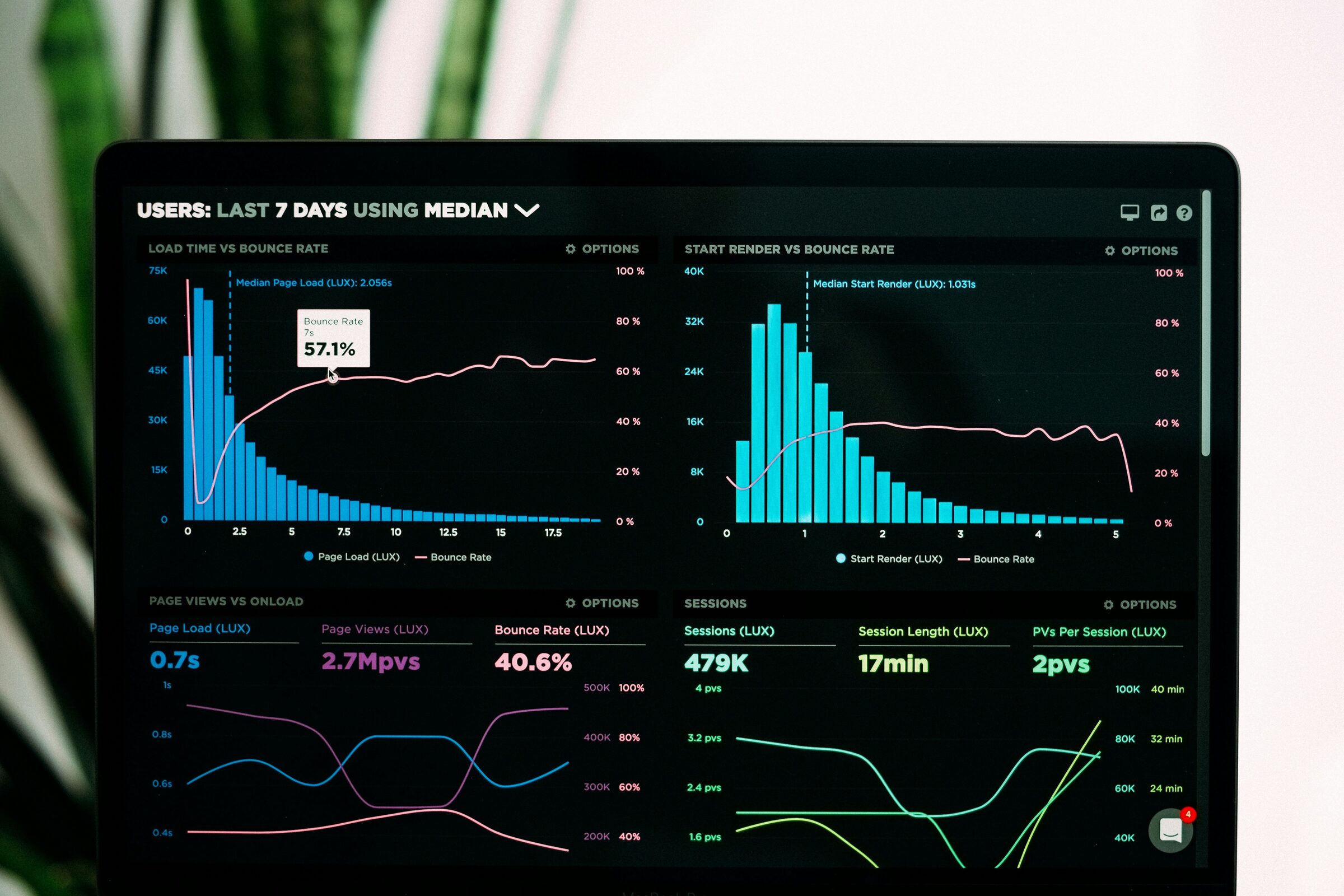
If you launch without analytics, you’re flying blind. Setting up GA4 and Search Console takes 20 minutes and costs nothing.
Create a GA4 property, install tracking via Google Tag Manager, and verify data is flowing before launch. Set up at minimum: form submission events as conversions, scroll depth tracking, and site search tracking. Exclude your own IP from reports.
Connect GA4 to Search Console inside GSC settings — this links query data to your analytics. Once connected, you’ll see which queries trigger impressions, your average position, and which pages get clicks. This data drives every content and distribution decision going forward.
8. Test Core Web Vitals
Core Web Vitals are a confirmed ranking signal. The three metrics: LCP under 2.5s, INP under 200ms, CLS under 0.1. INP replaced FID as an official metric in March 2024. If you’re still optimizing for FID, update your benchmarks.
Test with PageSpeed Insights on your homepage, a blog post, and your most important service page. Don’t just test the homepage. LCP failures are usually unoptimized hero images or render-blocking resources. CLS failures are images without explicit dimensions or late-loading ads.
A score of 90+ is achievable for most WordPress sites with a lightweight theme, WebP images, a caching plugin, and a CDN. Get this sorted before launch — retrofitting performance on a live site is significantly harder.
9. Implement Schema Markup
Schema markup makes your content eligible for rich results — star ratings, FAQ dropdowns, breadcrumb trails, article dates. Three schema types are the baseline: Organization, Article, and BreadcrumbList.
Organization schema goes site-wide. Article schema goes on every blog post. BreadcrumbList schema replaces URL display in search results with cleaner breadcrumb paths. For FAQ sections, FAQ schema is worth implementing too.
Use JSON-LD format. Validate every schema block with Google’s Rich Results Test before launch. Rank Math generates most of this automatically — verify its output rather than building by hand.
10. Set Up 301 Redirects for Old URLs
This only applies if you’re migrating from an existing site. But when it applies, it’s critical. Every URL changing needs a 301 redirect mapping. Miss 20 URLs and you’ve lost whatever link equity those pages accumulated.
Export your old site’s URL list from GSC before migration. Build a redirect map: old URL → new URL. Use 301s (permanent), not 302s. The difference between 301 and 302 redirects matters — using a 302 on a permanent change is a common mistake with real SEO consequences.
Keep redirect chains to one hop. Set a calendar reminder to audit redirects six months post-launch.
A Word on Priorities
If you’re short on time, do tasks 1 through 5 and task 7 before anything else. A site with clean canonicals, a correct robots.txt, a submitted sitemap, solid title tags, proper headings, and working analytics is in better shape than 80% of sites that launch every week.
The full list pairs with a broader on-page SEO checklist that covers what happens after launch — content optimization, internal linking, E-E-A-T signals, and iterative improvements based on Search Console data.
Launch When These Are Done. Not Before.
Launching with SEO problems baked in isn’t a minor inconvenience — it’s months of cleanup. Duplicate content, missed indexing, split link equity, broken redirects: these compound quietly. Google crawls your site, builds a model of what it is, and updates that model slowly. First impressions in search are expensive to fix.
Two hours before launch is all this takes. Run through the checklist, verify each item, go live knowing your site starts from a clean baseline. That’s the only version of launch day worth having.